Free Floor Plan Creator: Draw 2D Plans Online
Draw your plan to the millimetre, for free
Draw walls, doors, windows and rooms, or import an existing plan from an image, PDF or DXF. Get dimensions, areas, sheets and a 3D model of the same plan.
Examples from the system
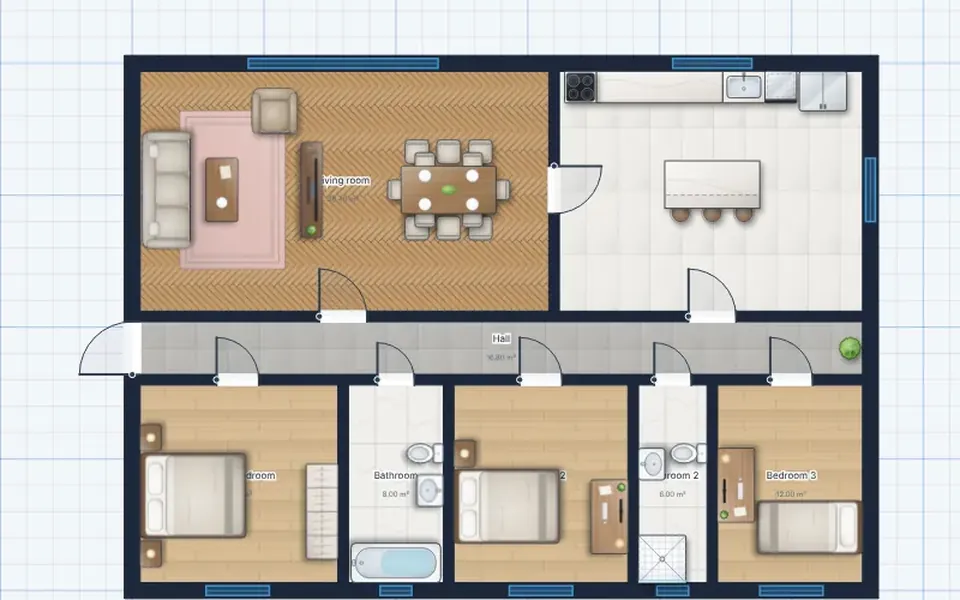
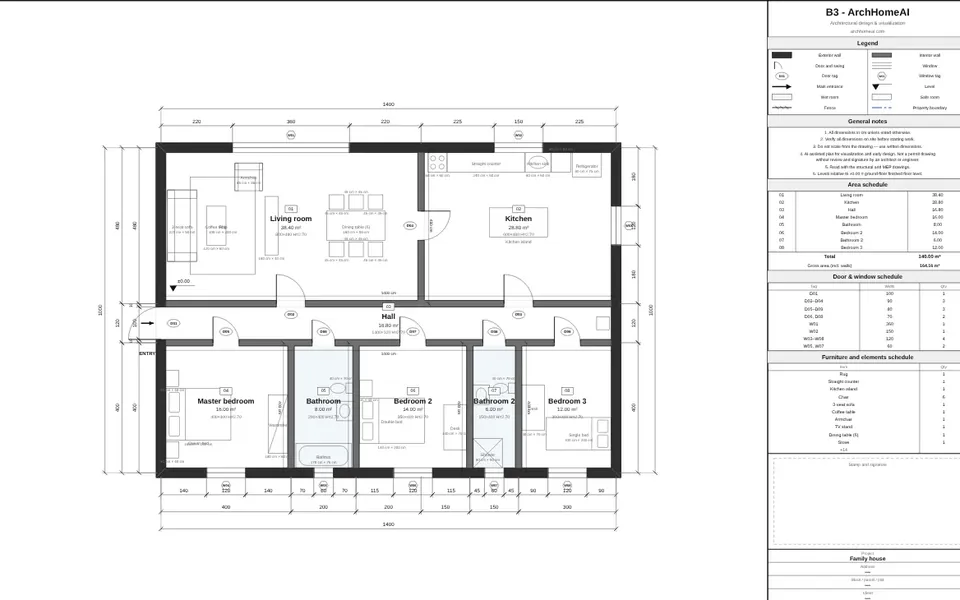
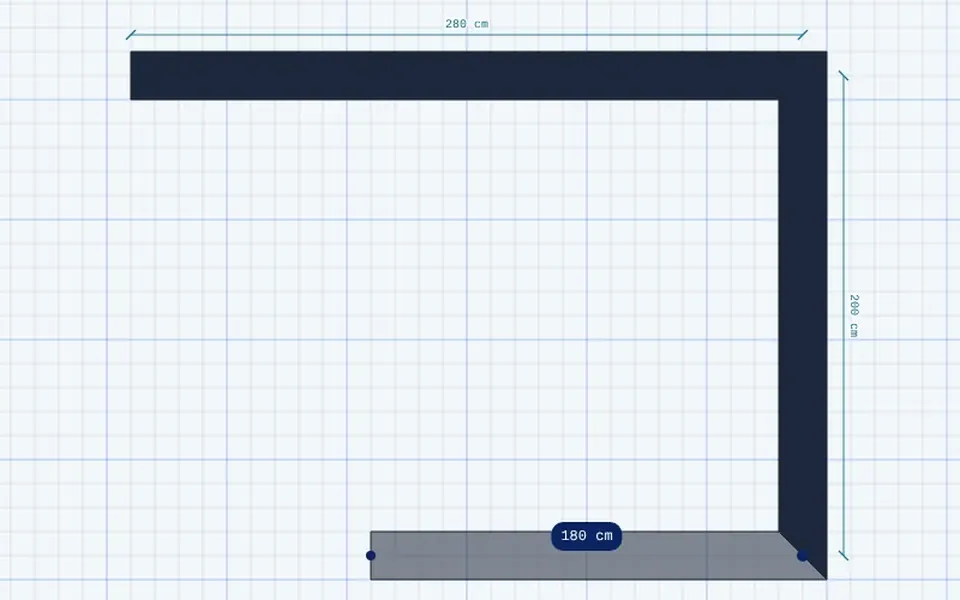
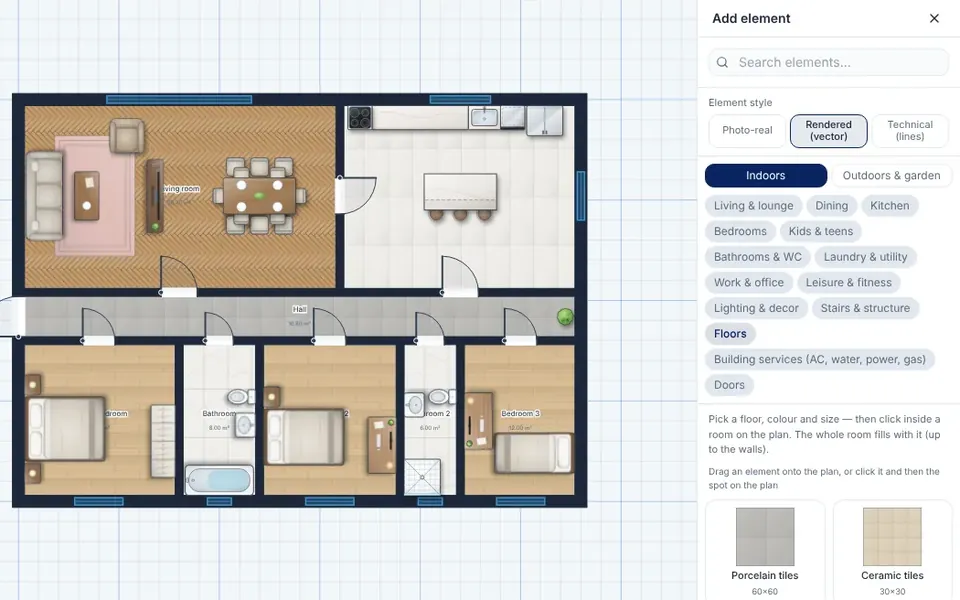
Real screens from the 2D editor, drawn on the sample family house.
What are you planning?
- Private House: A single-family home on one or more floors
- Villa: A large house with a garden, a pool or several wings
- Apartment: A flat inside a building, for a new layout or a renovation
- Apartment Building: Several flats on several floors
- Office: Workspaces, meeting rooms and a reception
- Retail: A shop, a showroom or a store
- Restaurant: A dining room, a bar and a kitchen
- Landscape: A garden, a yard, a pool and outdoor areas
How it works
- Start a plan: Choose the building type and draw from scratch, start from a template or import a plan from an image, PDF or DXF.
- Draw walls and openings: Walls snap to each other, doors and windows sit inside the walls, and every length and area is shown in real units.
- Add rooms and furniture: Name the rooms, add furniture and fixtures from the catalogue, and add levels, stairs and roofs.
- Export or continue: Print sheets at scale, export PDF, DXF or IFC, open the plan in 3D or send it to the AI Studio for a render.
What is included
- Precise drawing: Walls, curved walls, doors, windows and stairs with snapping, dimensions and CAD-style command keys.
- Import an existing plan: Upload an image or PDF of a plan: a free reading draws the walls, doors and windows on it. DXF files are read too.
- Furniture and elements: A large catalogue of furniture, kitchens, bathrooms, outdoor elements, fences and people.
- Levels, roofs and stairs: Several floors in one project, roofs and stairs, with elevations and sections drawn from the plan.
- Architectural sheets: A titled sheet with dimensions, an area table and door and window schedules, printable at true scale.
- Systems plans: Electrical, communication, plumbing, HVAC, gas, fire safety and landscape layers on the same plan.
- Building rules check: A preliminary check of room sizes, heights and windows by country profile. It does not replace a licensed professional.
- Quantities and cost: Areas, wall lengths and quantities per room, with a cost estimate from your own rates.
- Export: PDF, PNG and SVG, DXF for AutoCAD and IFC for BIM viewers.
- From plan to 3D: One click opens the same plan as a 3D model, and the two stay linked.
Questions and answers
Is the 2D floor plan creator free?
Yes. Drawing, importing a plan with the free reading, sheets and exports are free. Only AI actions, such as a render or the AI plan reading, use credits.
Can I upload an existing plan?
Yes. Upload a photo, a scan or a PDF of a plan and the free reading finds the walls, doors and windows and draws them over the sheet. When a PDF states its scale, for example 1:50, the scale is read from the page. Always check the result against the original.
Do I need to install anything?
No. It runs in the browser on a computer, a tablet or a phone, and your plans are saved to your account.
Can I export the plan to AutoCAD?
Yes, as a DXF file with separate layers for walls, doors, windows, rooms and annotations. Sheets are exported as PDF.
How accurate is the plan?
The editor works in millimetres, so what you draw is exact. An imported plan is only as accurate as the source image and its scale, so measure a known wall after importing.
Do I need an account?
You can read about the tool without one. To save a plan you sign in or create a free account, and new accounts also get 5 credits to try the AI tools.
Guides on this topic
- 2D House Plan Online: How to Draw, Generate and Export a Plan That Holds Up (2026)
- How to Draw a Floor Plan: Measuring, Scale, Symbols and Free Tools (2026 Guide)
- AI Floor Plan Generators: How to Turn a Written Brief into a House Plan (2026)
- Small House Plans by Plot Size: 30×40 ft, 5 Marla and 100–200 m² Layouts That Work
- How to Design Your Own House Online for Free: A Step-by-Step Guide (2026)
- How to Plan a Kitchen Layout: Layout Types, Standard Sizes and Clearances
More tools in ArchHomeAI
- 3D home design: Turn a plan into a 3D model, furnish it, walk through it and view it in AR.
- AI rendering studio: Create realistic renders, edits and videos from a photo, a plan or a description.
- Interior design: Design any room, at home or at work.