AI House Visualization Examples
Before-and-after AI renders by ArchHomeAI: renovated facades and rooms, empty plots turned into new homes. See how each one was made and try it.
What you see in this gallery
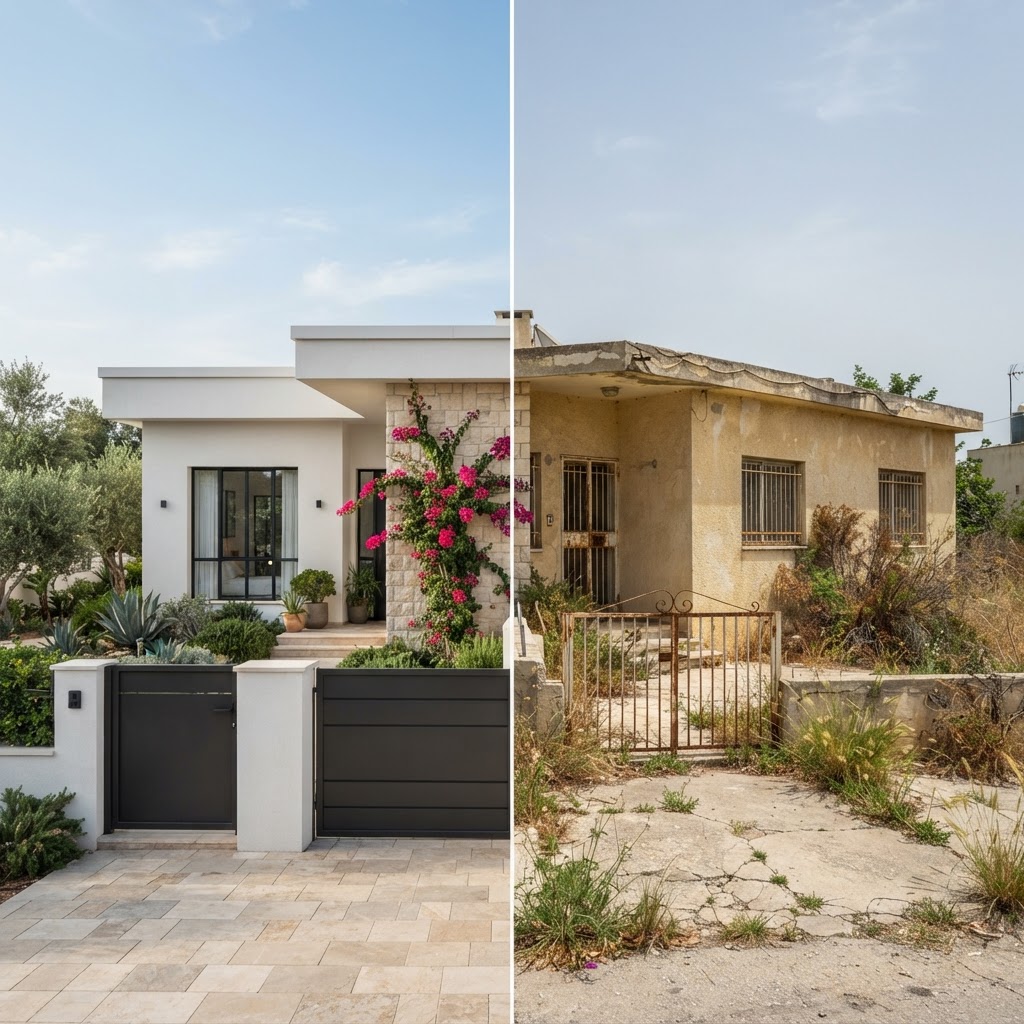
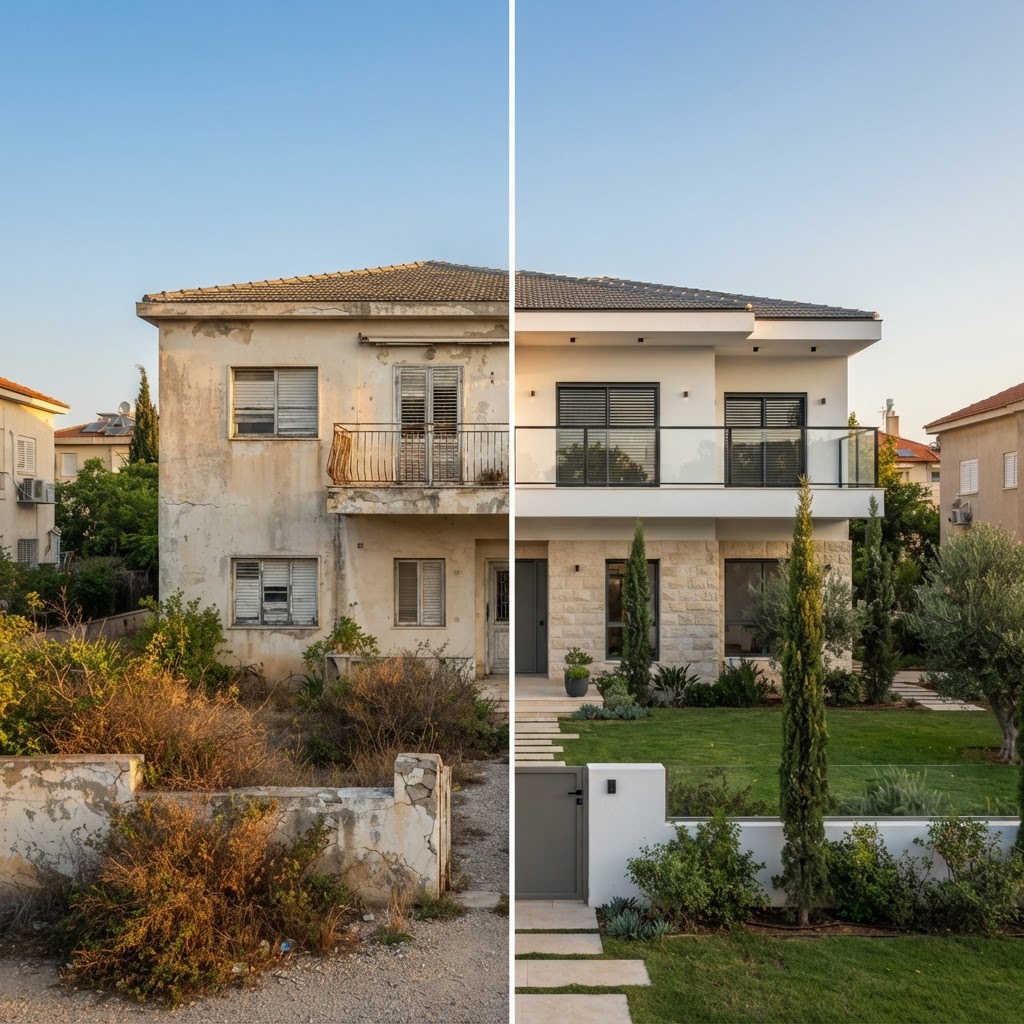
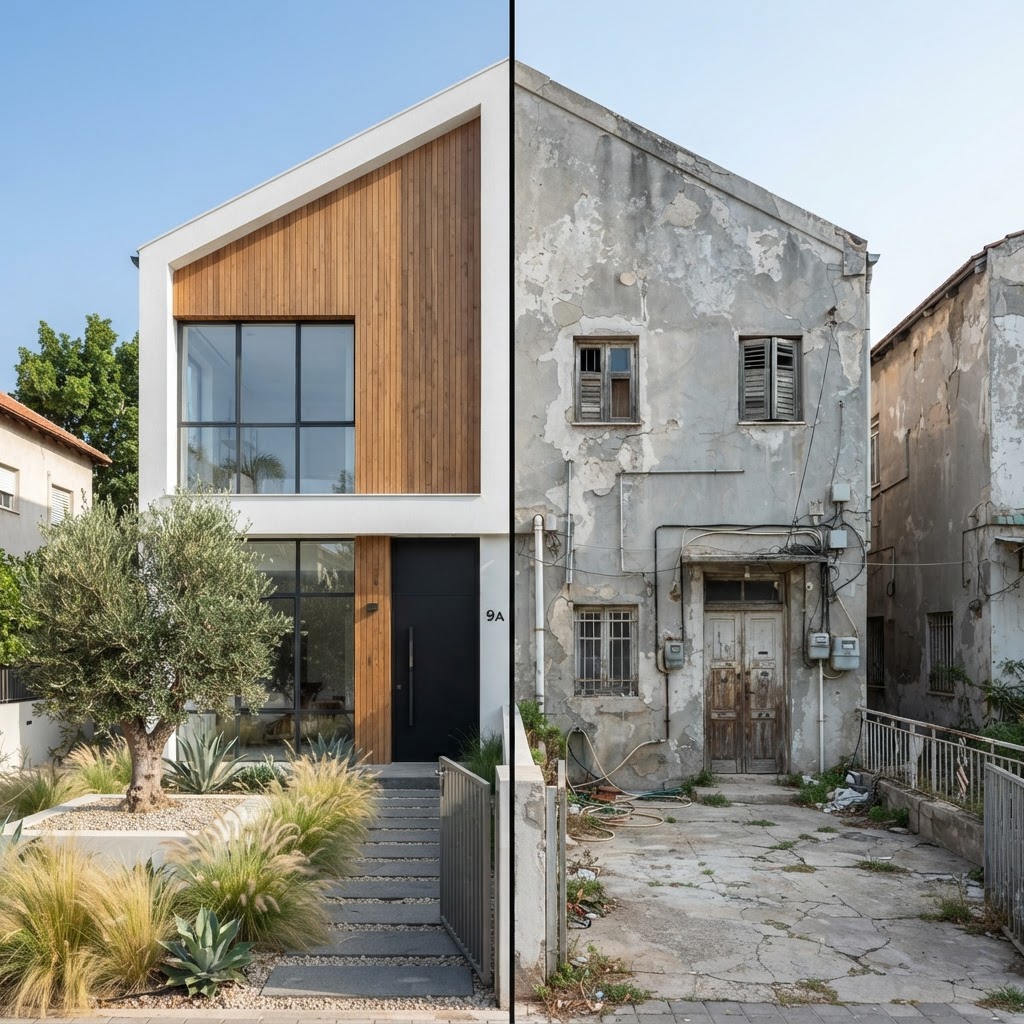
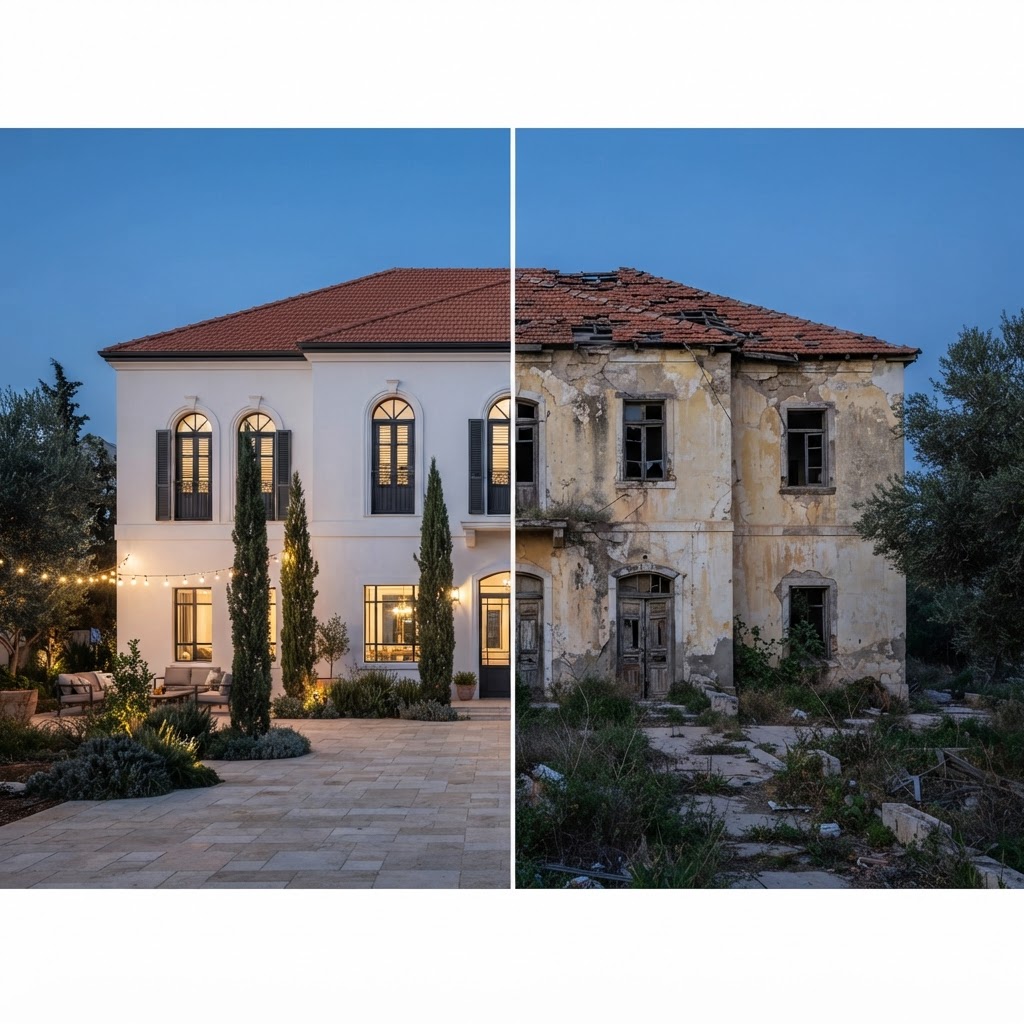
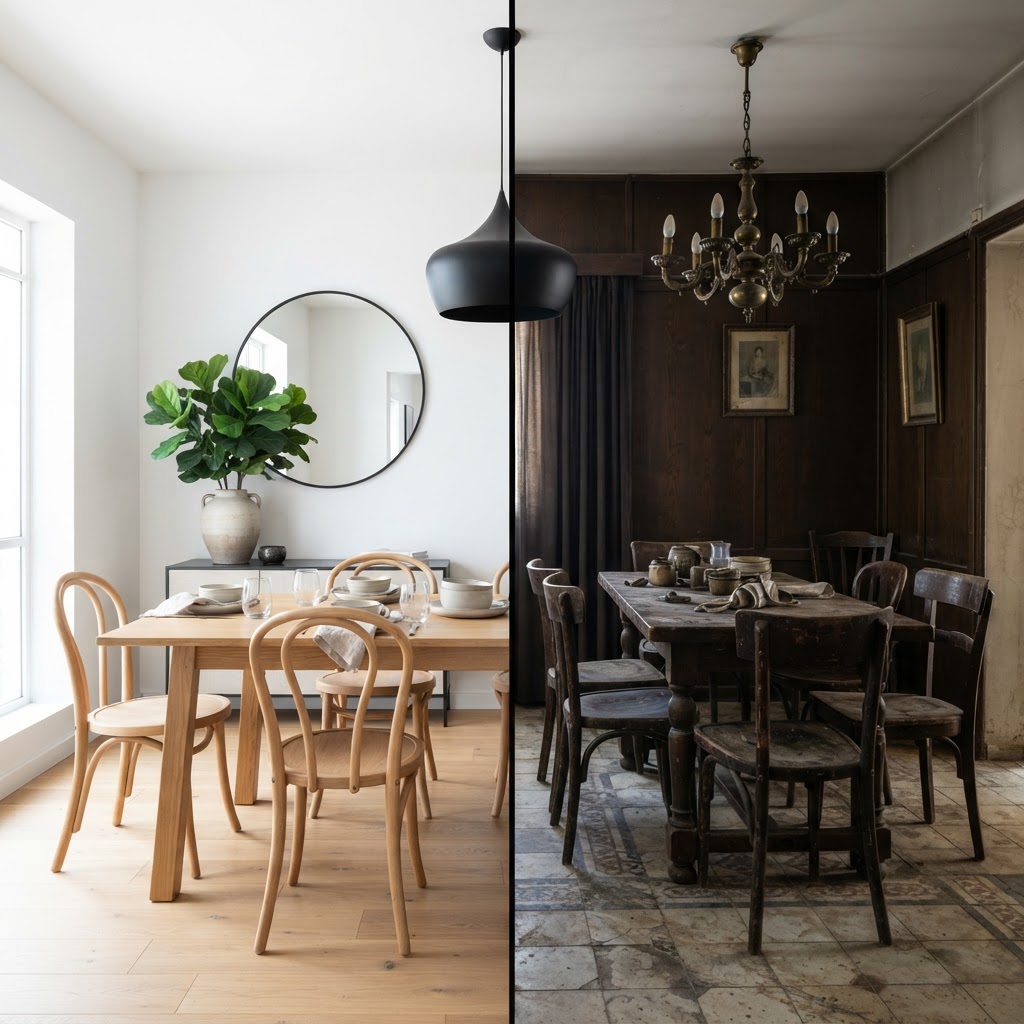
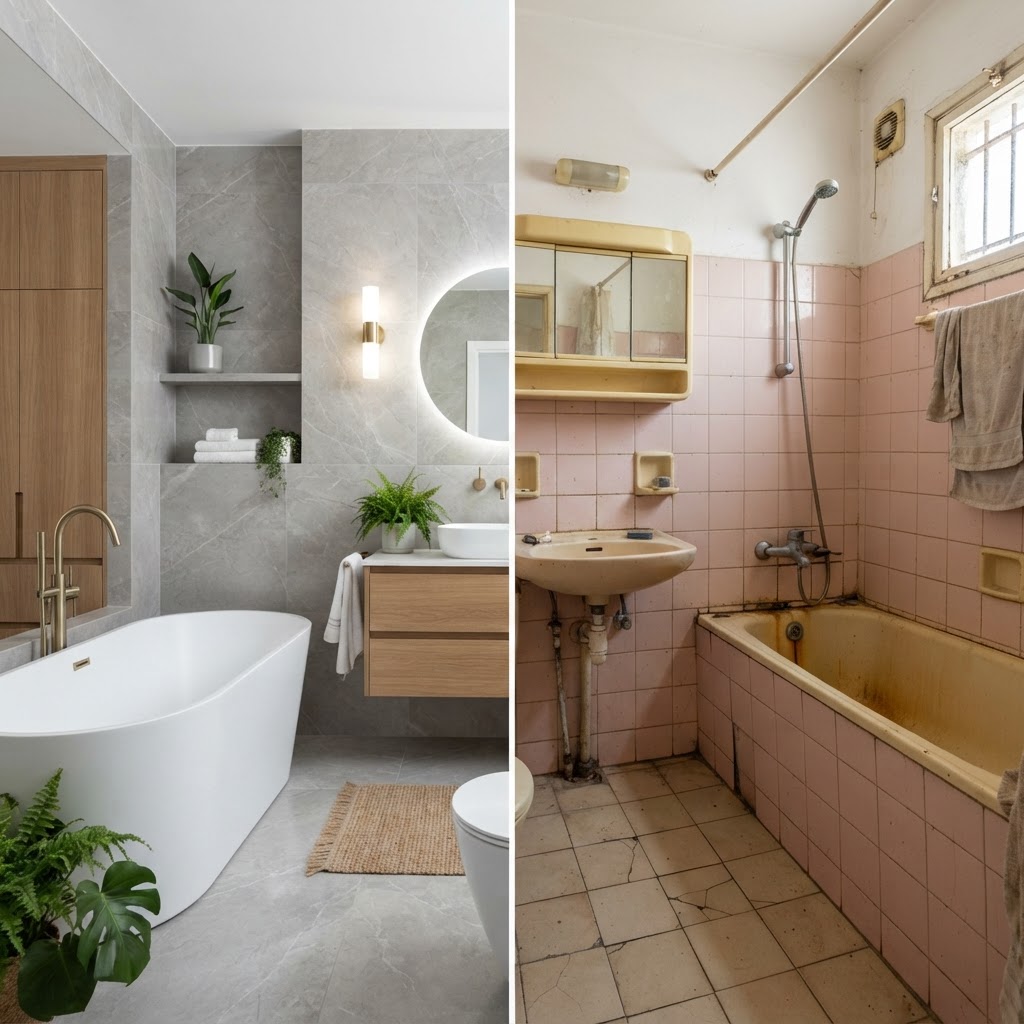
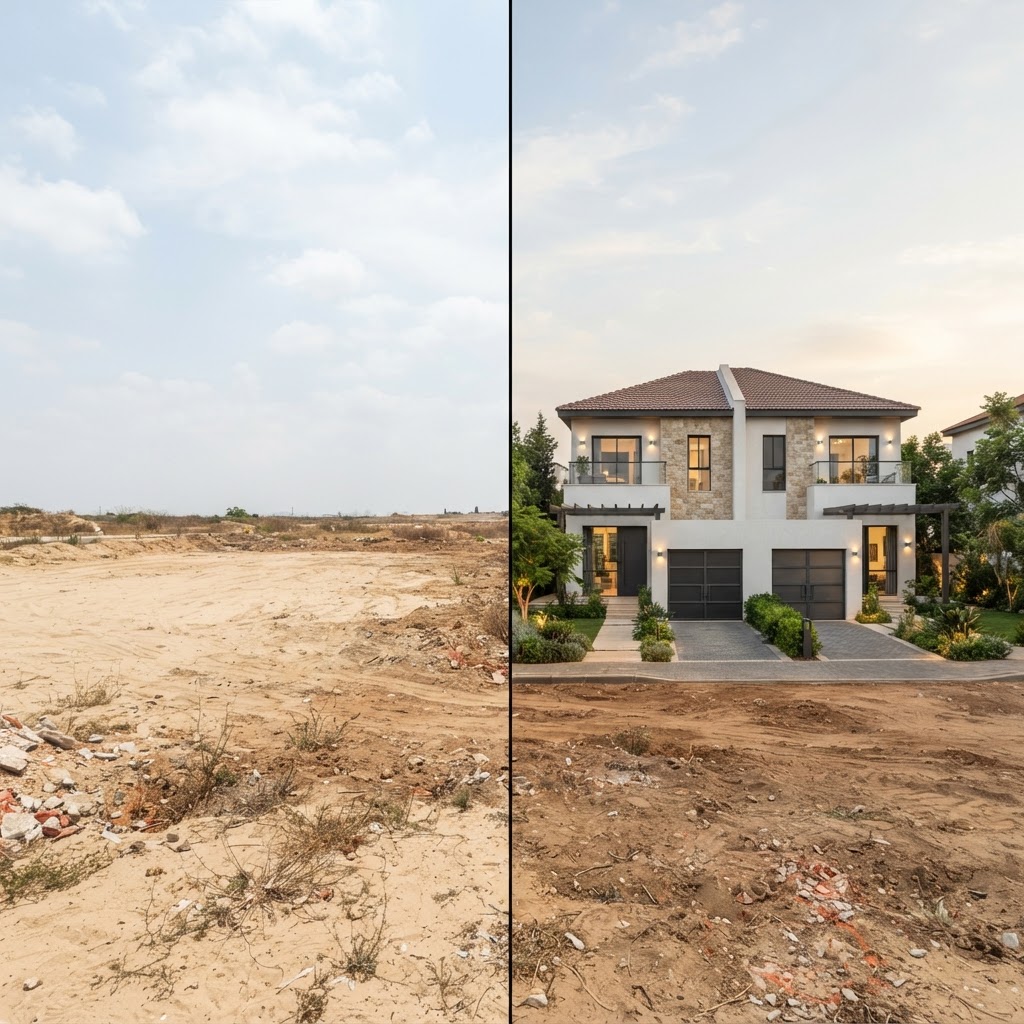
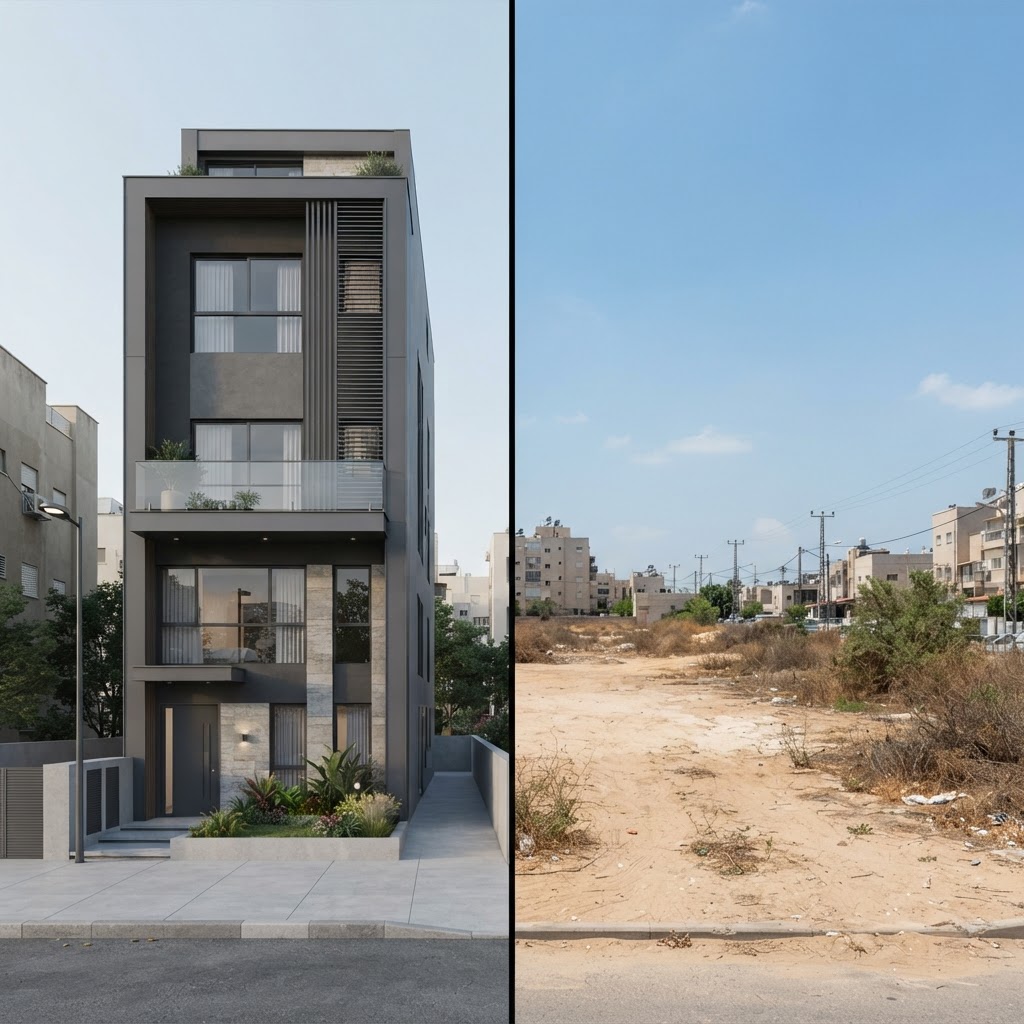
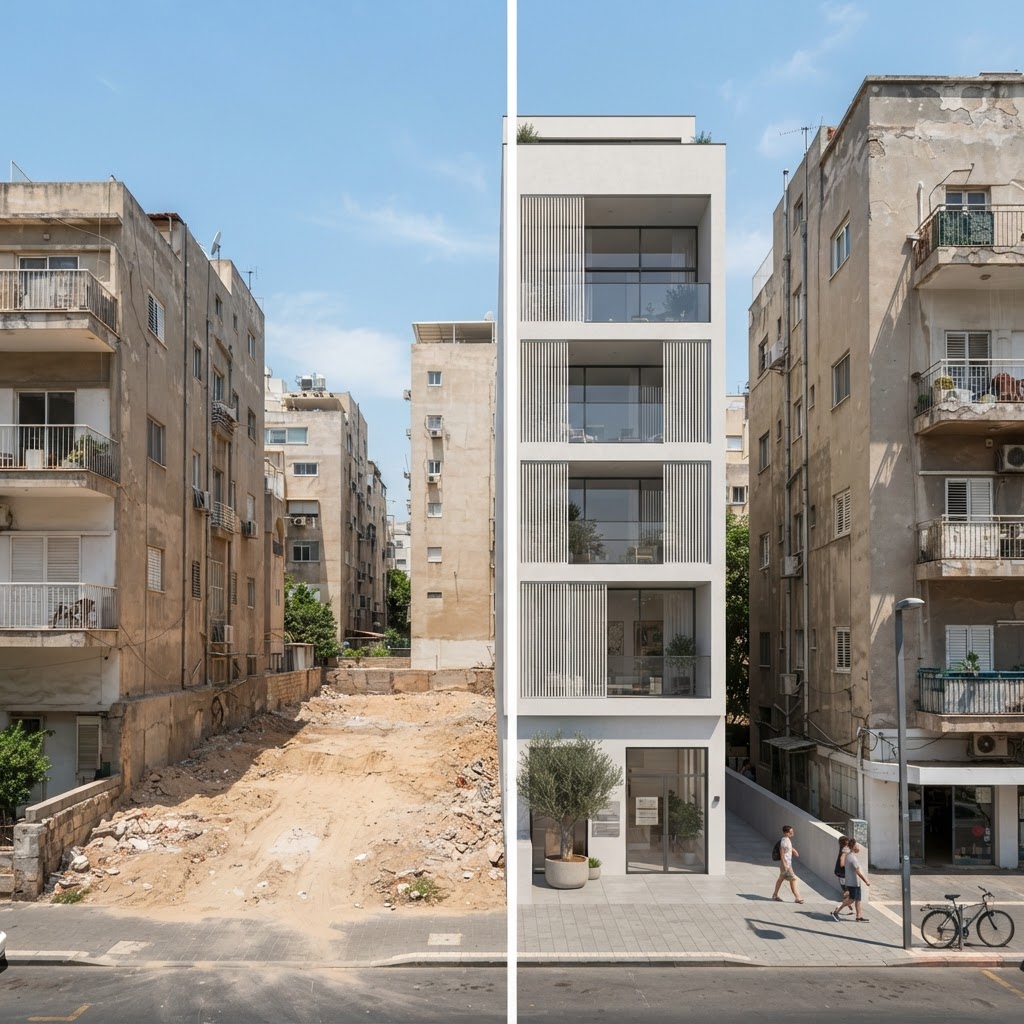
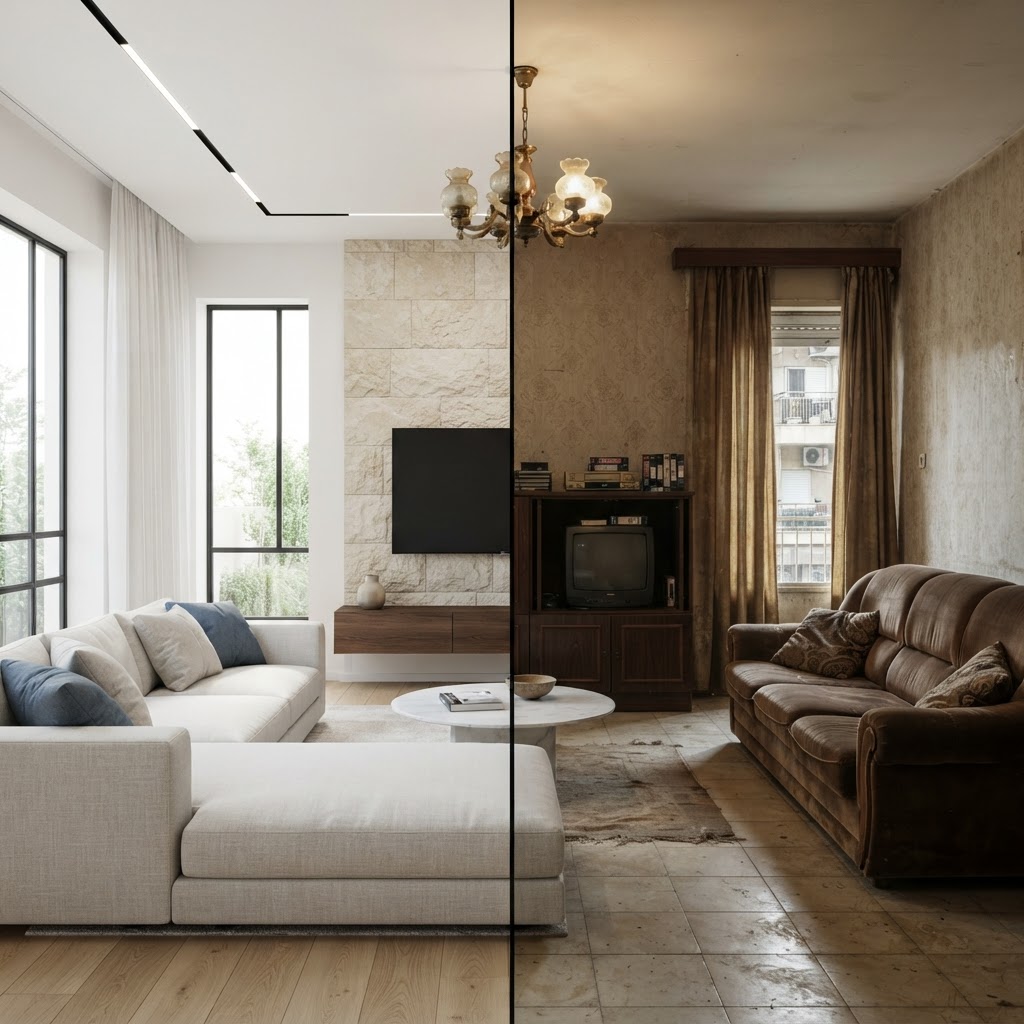
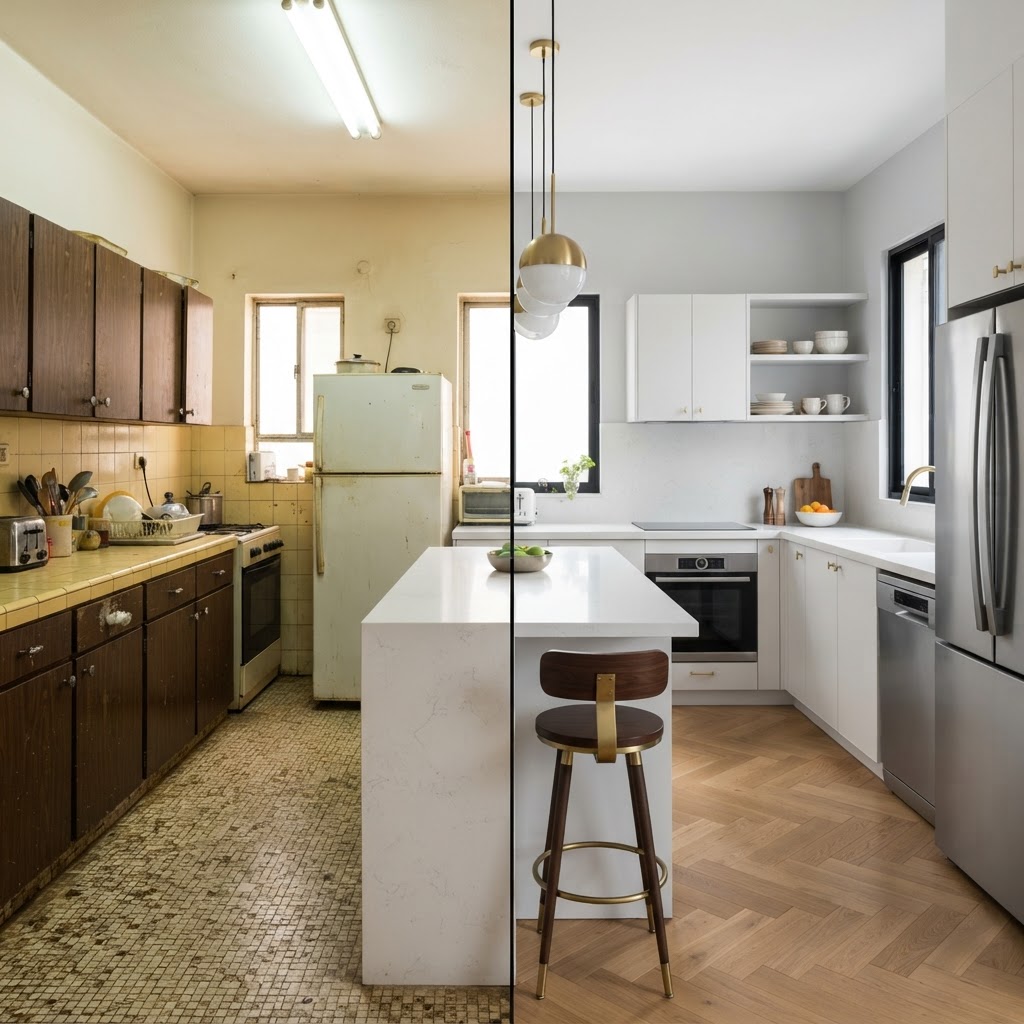
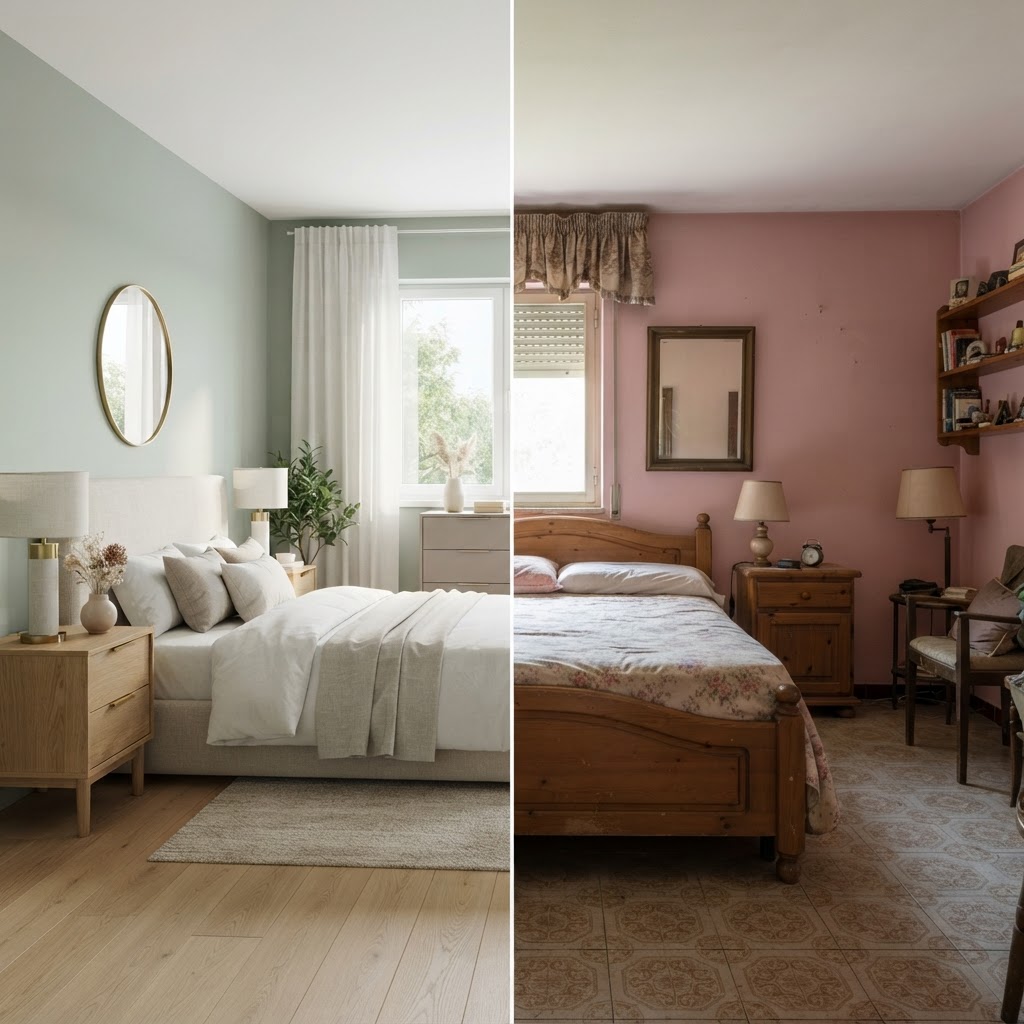
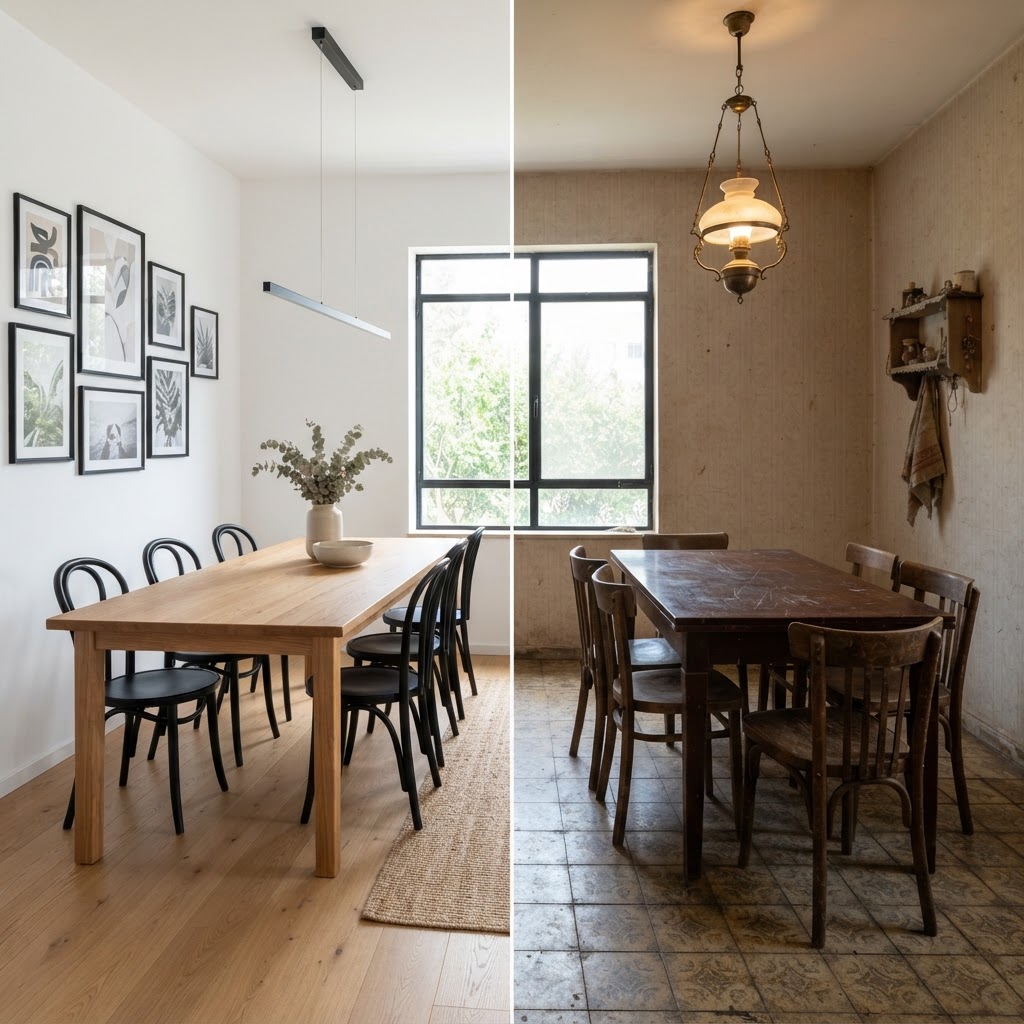
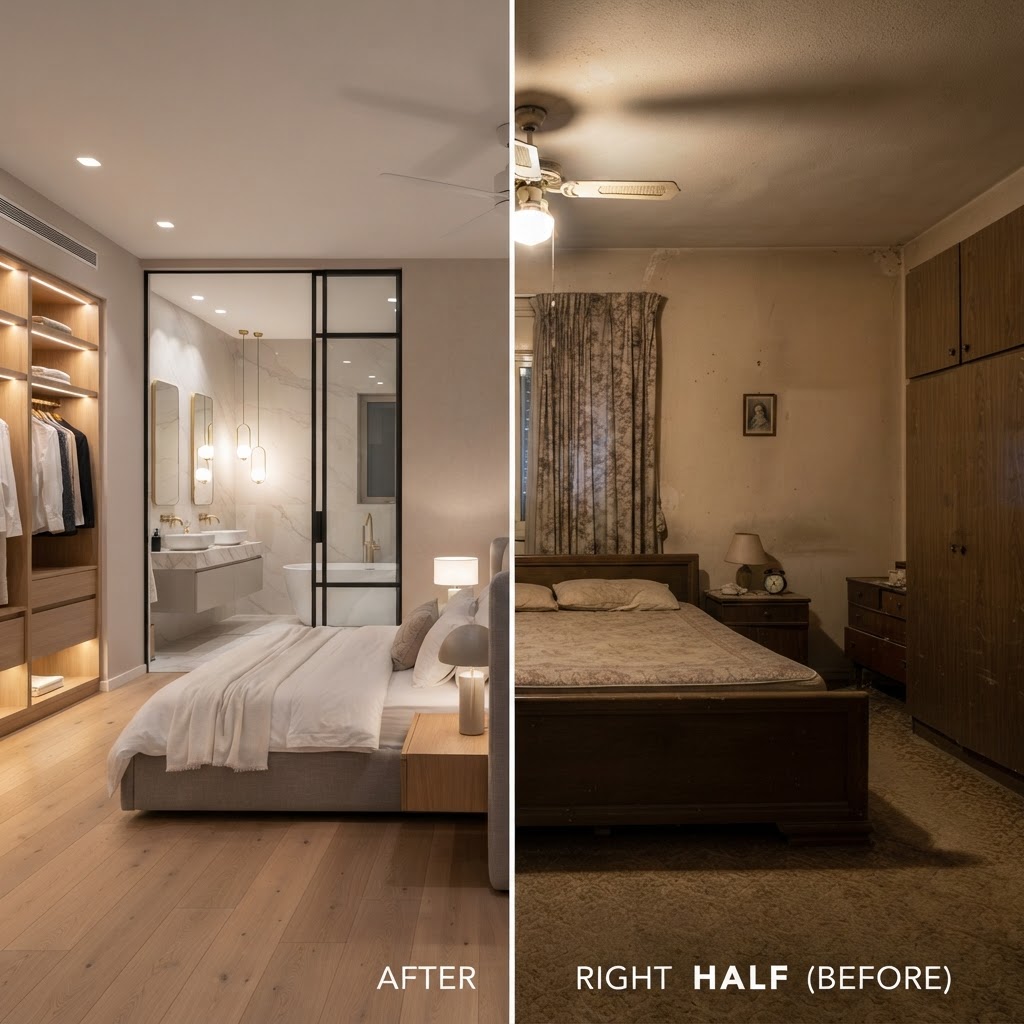
Every image in this gallery is a split picture: one half shows the starting point — an existing house, an unfinished room or an empty building plot — and the other half shows the AI visualization of the finished result. The examples cover the projects people bring to ArchHomeAI most often: renovating a facade, refreshing a living room or kitchen, building a new house on a bare lot, and furnishing the rooms of a newly built home.
The goal is to show what a realistic visualization can look like before you spend money on construction, materials or furniture. Use the examples to compare styles, explain an idea to your family, contractor or architect, and decide what to try on your own photos and plans.
How these examples were made
- Start from what exists: a photo of the house or room as it is today, or a photo of the empty plot for a new build.
- Describe the result in the AI Studio: the style, materials, colours, lighting and the elements to keep (walls, windows, the shape of the building or the view).
- Generate, compare and refine: the studio creates a photorealistic render; small changes can be made one at a time until the result matches the idea.
For your own project you can also go the full route: draw the plan in the free 2D editor, open it as a 3D model to check proportions and walk through it, and then send the views to the AI Studio for photorealistic renders of the same design.
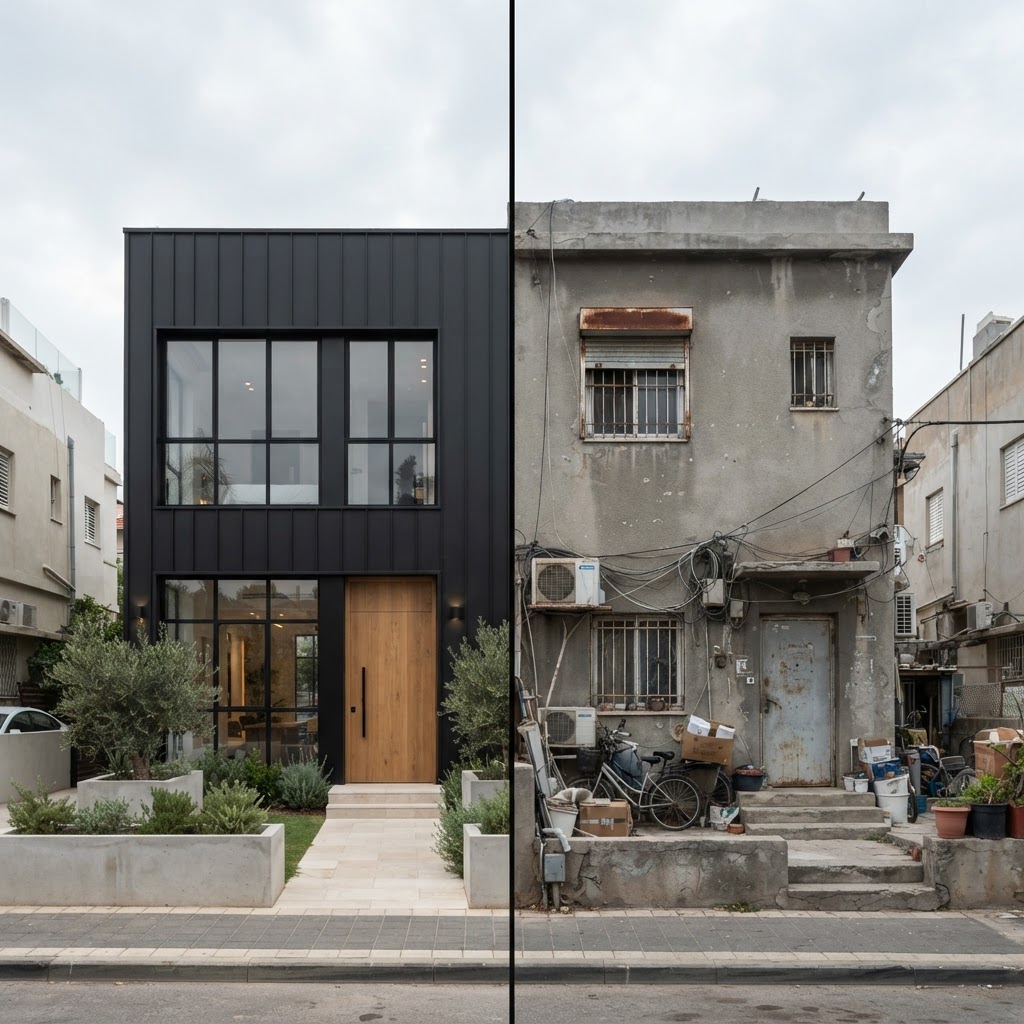
Home Renovation Renderings - Exterior
Renovated homes before and after, from an exterior view
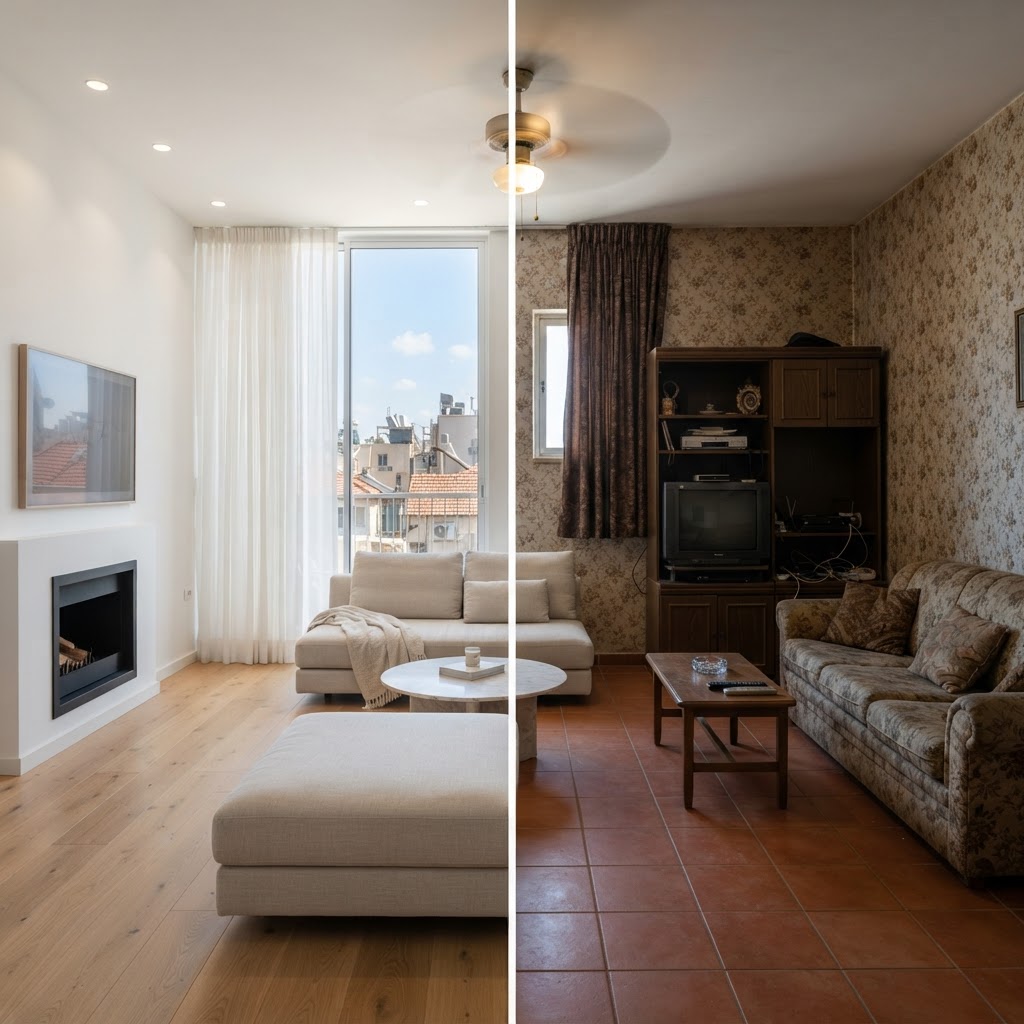
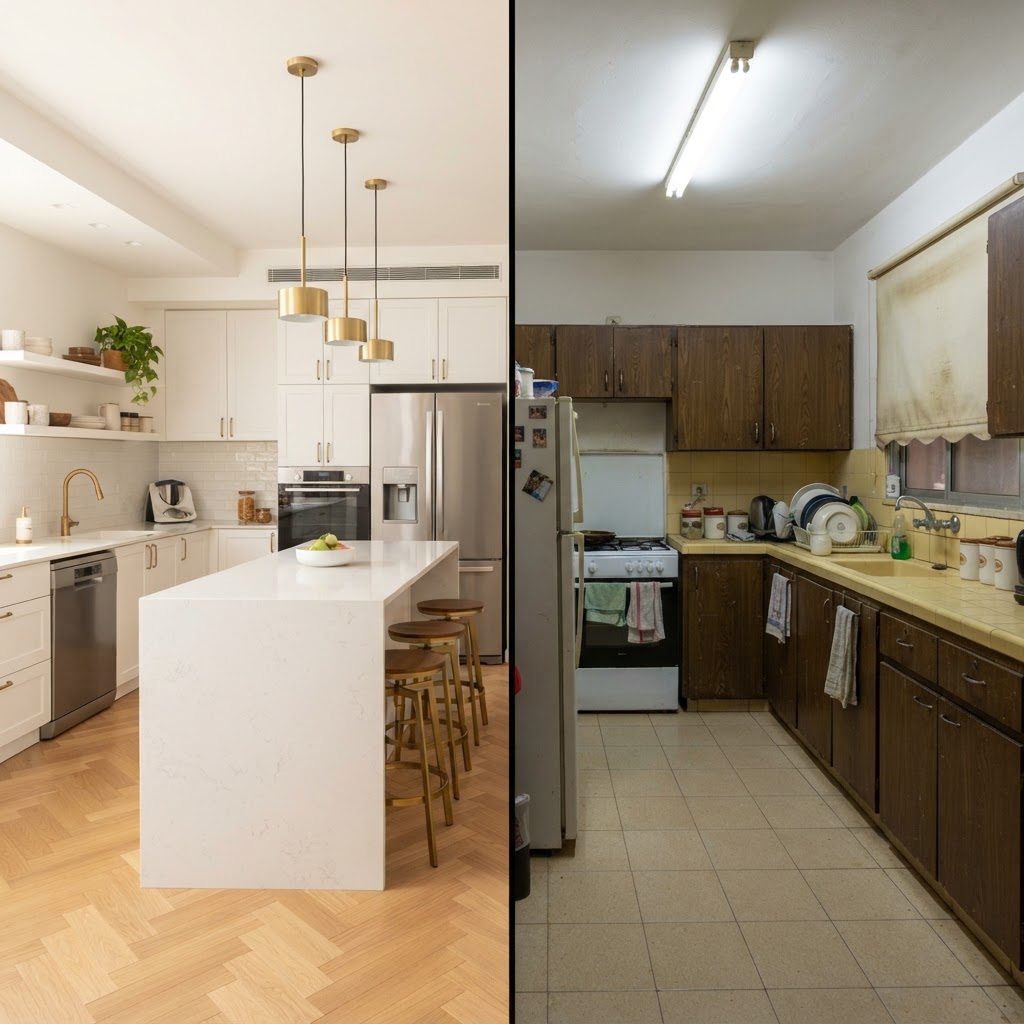
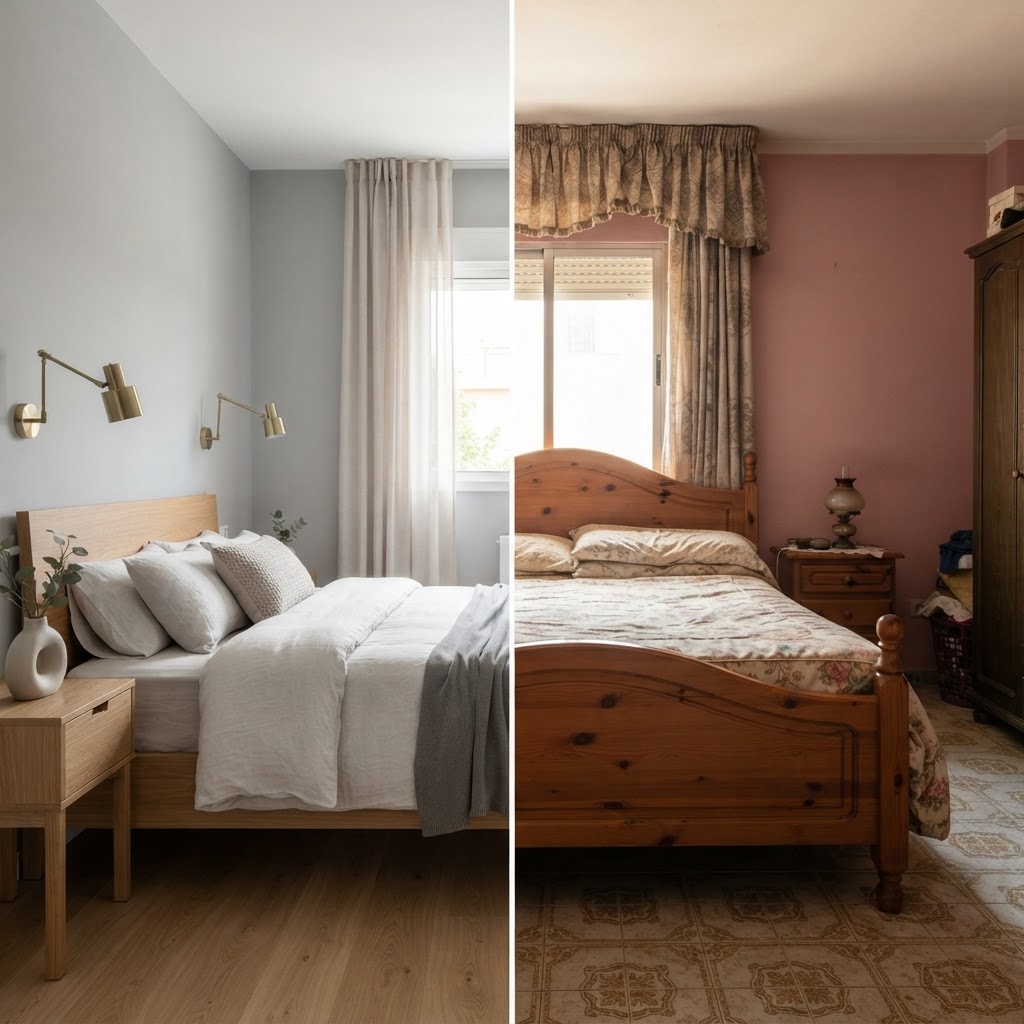
Home Renovation Renderings - Interior
Living room, kitchen, and bedrooms before and after renovation
New Construction Renderings - Exterior
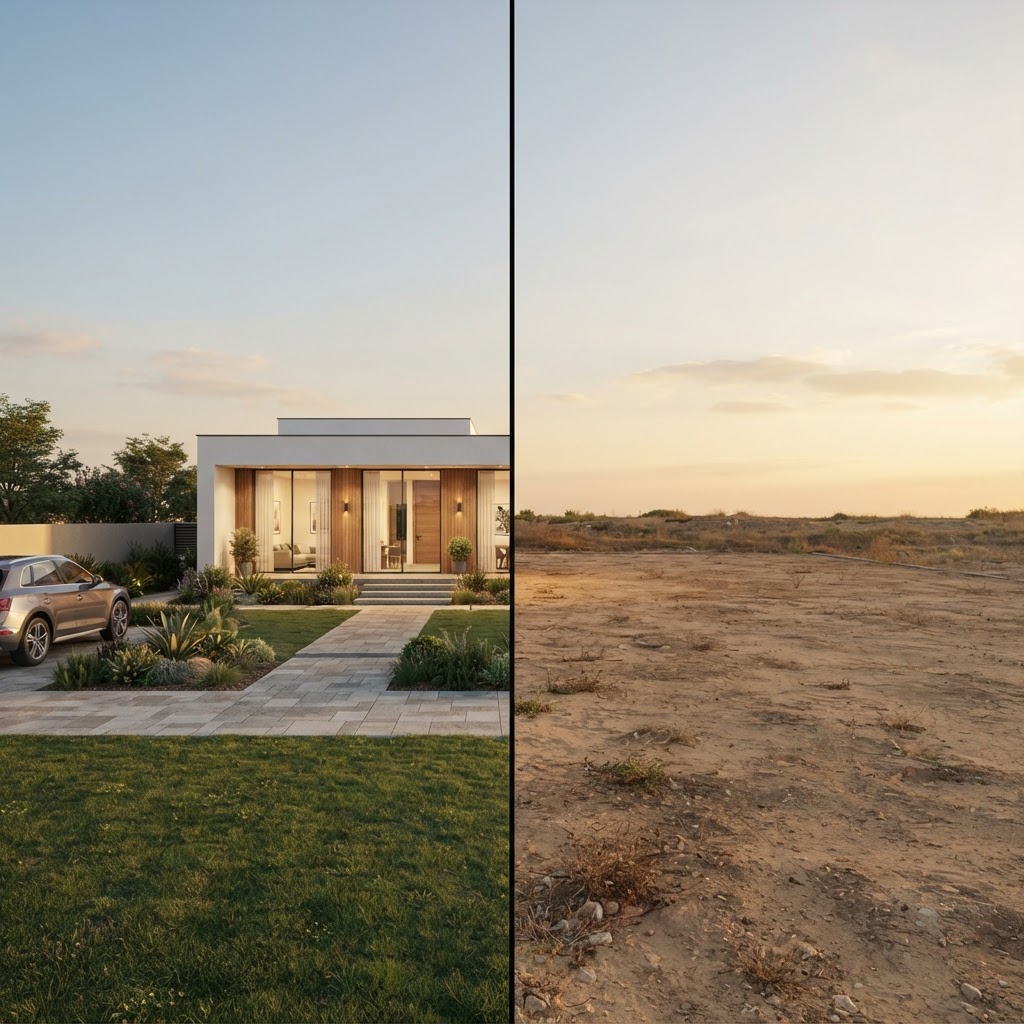
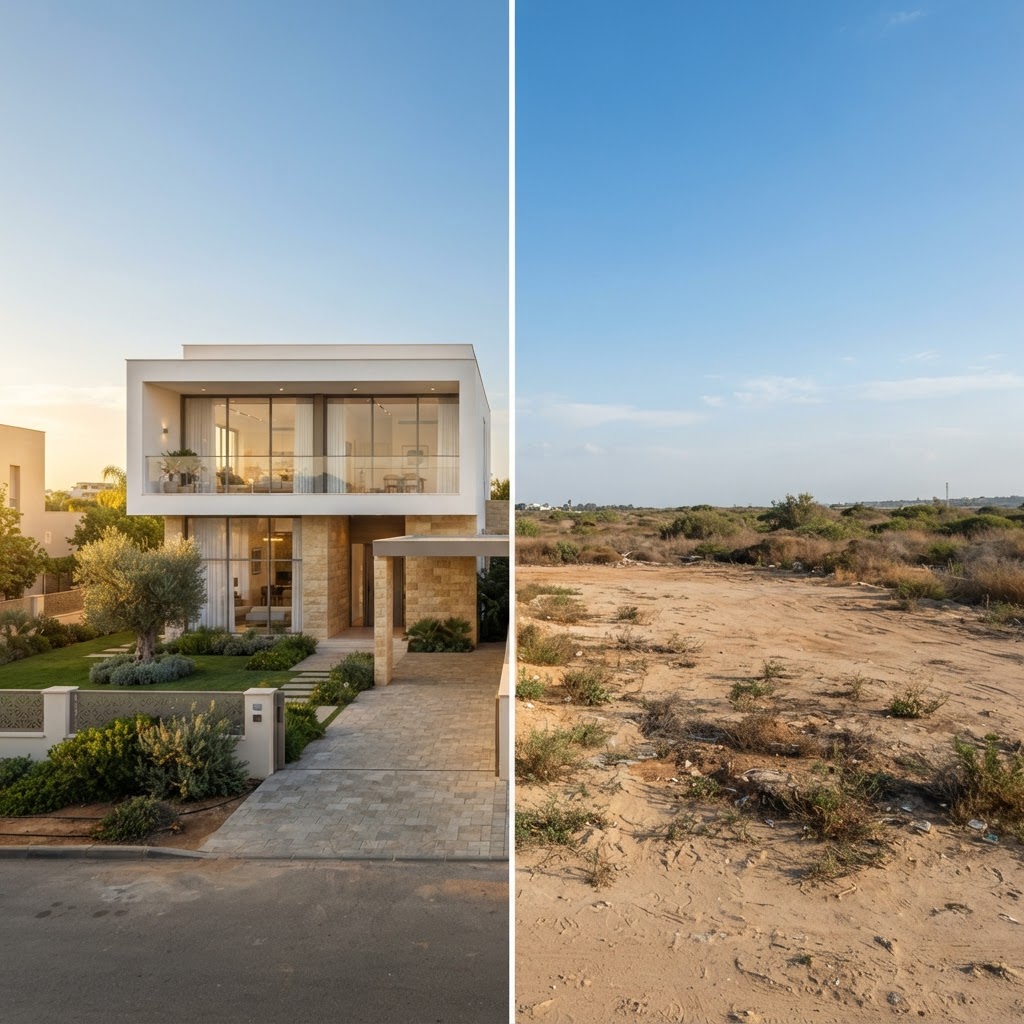
Empty construction lots vs. the new home built on them
New Construction Renderings - Interior
Newly built homes — living room, kitchen, and designed bedrooms
What each category shows
Home Renovation Renderings - Exterior
Exterior renovation renders show the same house before and after a facade upgrade: new cladding, plaster or stone, window frames, roof, railings, lighting and front garden. They help you see whether a colour or material suits the house and the street before you order samples or hire a contractor.
Exterior house colours: choosing and previewing a palette
Home Renovation Renderings - Interior
Interior renovation renders keep the room's walls, windows and openings and change the finishes, kitchen, flooring, lighting and furniture. They are useful for choosing between styles — for example modern, Scandinavian or warm natural wood — and for showing a designer or supplier exactly what you mean.
AI interior design: redesign a room from a photo
New Construction Renderings - Exterior
New-build exterior renders start from an empty or unbuilt plot and show a possible house on it, from a single-storey home to a four-storey urban building. They give a first impression of size, massing and style; the actual design must still follow your plot's building rights and a licensed architect's plans.
How to create a house rendering, step by step
New Construction Renderings - Interior
New-build interior renders show furnished, designed rooms in newly built homes: living rooms, kitchens, bedrooms, dining areas and a master suite. They help you plan layouts, lighting and materials early, while changes are still cheap.
Frequently asked questions about the examples
Are these real photos or AI-generated images?
The "before" half is the starting photo; the "after" half is an AI-generated visualization. The renders are illustrations of a possible result, not photos of completed work.
Can I create a visualization like this of my own house?
Yes. Upload a photo of your house, room or plot to the AI Studio, describe the style you want and generate a render. New accounts receive free credits to try it, and the 2D and 3D editors are free to use.
How accurate are the renders?
They aim to stay faithful to the photo and to your instructions, but they are illustrations: proportions, materials and details can differ from reality. Measurements, structure and permits must always be checked with licensed professionals.
Can I start from a floor plan instead of a photo?
Yes. Draw or import the plan in the 2D editor, view it in 3D, and then create photorealistic renders of the rooms and facades in the AI Studio.
Can I use the renders to show a contractor or architect?
Yes. Renders are a quick way to explain an idea and to compare options. They do not replace construction drawings, engineering plans or a building permit.
Which styles can I choose?
You describe the style yourself — modern, classic, Mediterranean, Scandinavian, industrial or a mix — and can change materials, colours and lighting one step at a time.
Try the tools behind these examples
Related guides
All "after" images are AI-generated illustrations for inspiration only; they are not engineering drawings or permit plans.