3D Home Design Online: Free 3D House Planner
See your home in 3D before it is built
Turn your 2D plan into a 3D model in one click or build a scene from scratch. Furnish it, paint walls and floors, walk inside and view it in AR.
Examples from the system
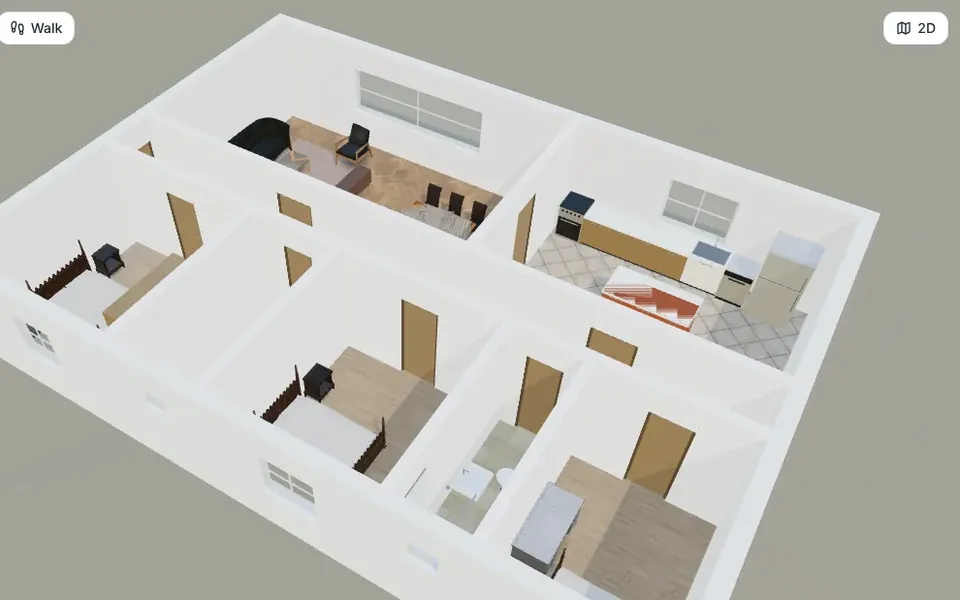
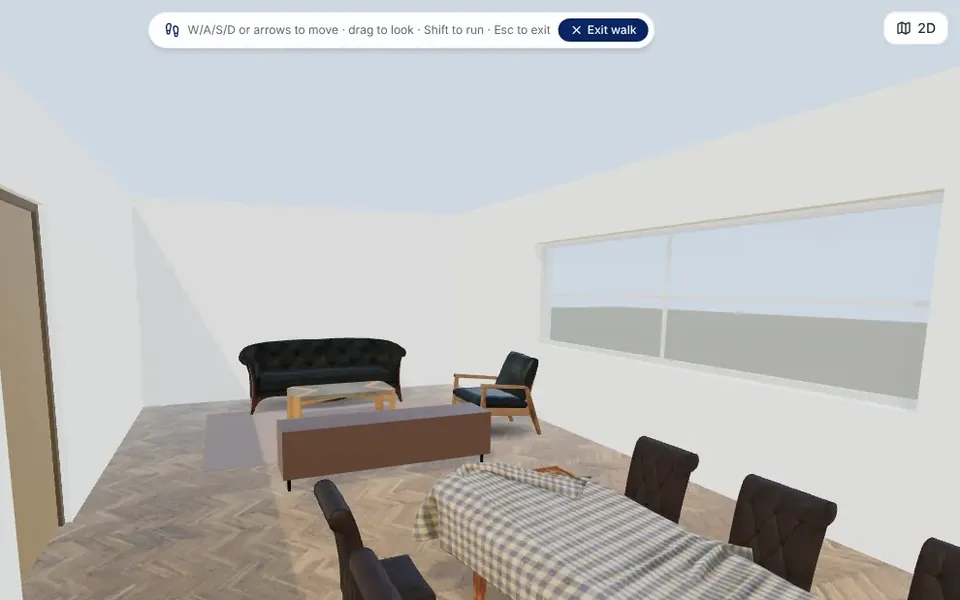
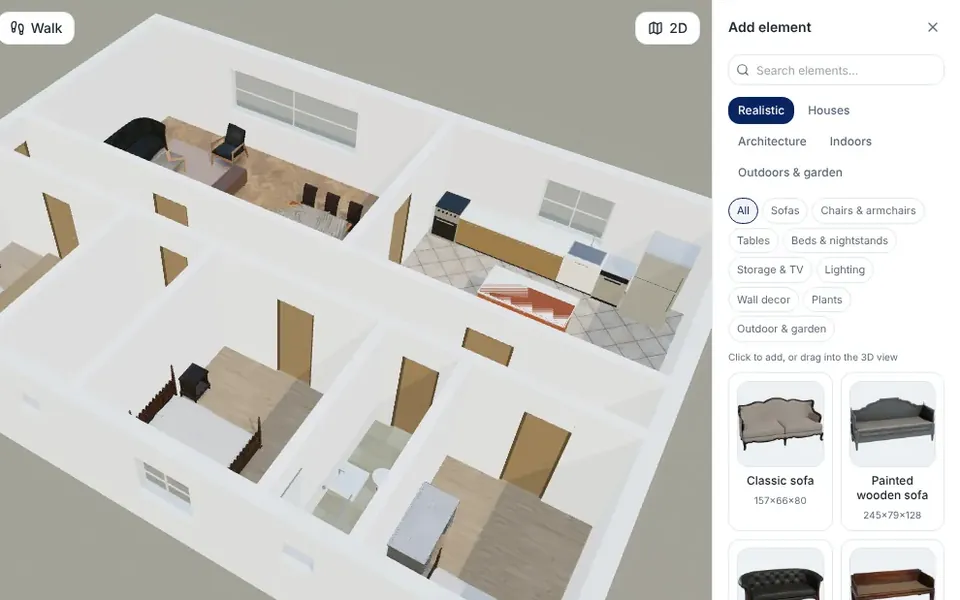
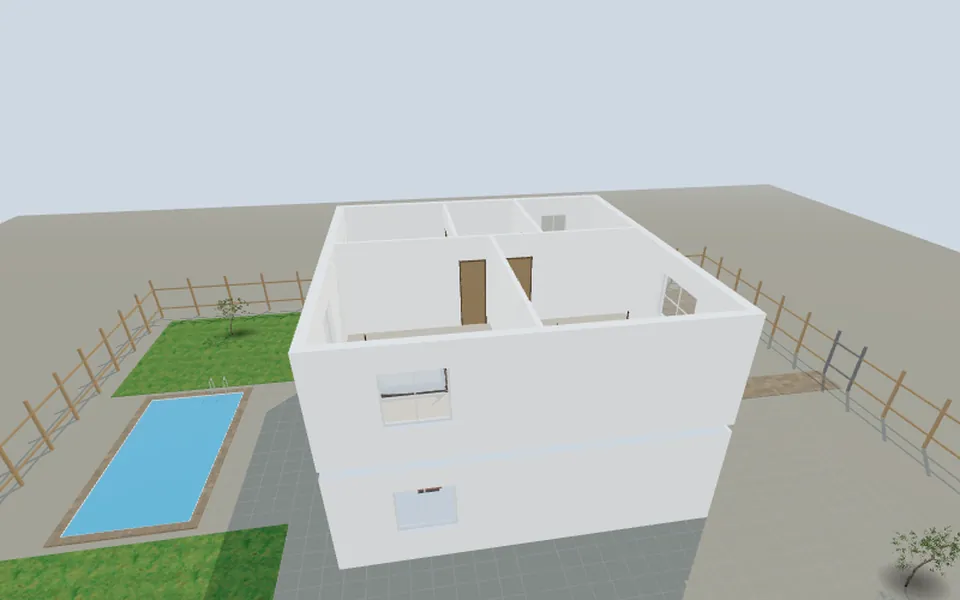
Real screens from the 3D editor, made from the sample family house plan.
What are you planning?
- Private House: A single-family home on one or more floors
- Villa: A large house with a garden, a pool or several wings
- Apartment: A flat inside a building, for a new layout or a renovation
- Apartment Building: Several flats on several floors
- Office: Workspaces, meeting rooms and a reception
- Retail: A shop, a showroom or a store
- Restaurant: A dining room, a bar and a kitchen
- Landscape: A garden, a yard, a pool and outdoor areas
How it works
- Start from a plan or an empty scene: Open your 2D plan in 3D, or start a new scene for the building type you choose.
- Furnish and finish: Add furniture, kitchens, bathrooms, trees, cars and people from the library, and paint walls and floors with colours and textures.
- Explore: Orbit around the model, switch to top, front and side views, walk through the rooms or take an automatic tour.
- Share and render: Show it in AR on a phone, export the model or create a realistic AI render from the current view.
What is included
- Plan to 3D: The walls, doors, windows, rooms and furniture of your 2D plan become a 3D model, levels included.
- Model library: Realistic and simple models: sofas, beds, kitchens, bathrooms, doors, windows, pools, trees and vehicles.
- Paint and textures: A brush for colours and materials on walls, floors and objects.
- Edit in 3D: Handles for wall length, height and curve, moving and resizing objects. Changes can be applied back to the 2D plan.
- Walk-through and tour: Walk inside with the keyboard, or a joystick on a phone, or let an automatic tour show every room.
- Views and 360°: Perspective, top, front, back and side views, and 360° panoramas.
- AR and VR: A link and a QR code place the model in augmented reality on iPhone or Android, or open it in a VR headset.
- AI render from the view: Turns the current 3D view into a realistic image that keeps the camera and the layout. Uses credits.
- Linked to the 2D plan: Update the 3D model when the plan changes, keeping what you added in 3D.
- Export: Download the model as glTF or OBJ for other 3D software.
Questions and answers
Is the 3D editor free?
Yes. Building, furnishing, painting, walking through and AR are free. Only the AI render uses credits.
Do I have to draw a 2D plan first?
No. You can start an empty scene and place walls and objects in 3D, but starting from a 2D plan gives you exact dimensions.
Can I see the model on my phone in AR?
Yes. Create an AR link, scan the QR code and place the model in your room or on your plot. Large models can take a moment to load.
Does it work on a tablet or a phone?
Yes, with touch controls and a joystick for walking. A computer is more comfortable for detailed work.
Can I get a realistic image of the model?
Yes. The AI render turns the 3D view into a photorealistic image with the same camera angle and layout. It uses credits.
Can I export the 3D model?
Yes, as glTF or OBJ, and as AR files for iPhone (USDZ) and Android (GLB).
Guides on this topic
- 3D Home Design Online: Models, Walk-Throughs, 360° Panoramas and Renders Explained
- How to Design Your Own House Online for Free: A Step-by-Step Guide (2026)
- Modern House Design: Key Features, Layouts and 12 Exterior Ideas
- How to use ArchHomeAI: from a 2D floor plan to 3D and photorealistic AI renders
- ArchHomeAI button glossary: every 2D, 3D and AI Studio button explained
More tools in ArchHomeAI
- 2D floor plan creator: Draw floor plans to scale, import existing plans and export sheets.
- AI rendering studio: Create realistic renders, edits and videos from a photo, a plan or a description.
- Interior design: Design any room, at home or at work.