
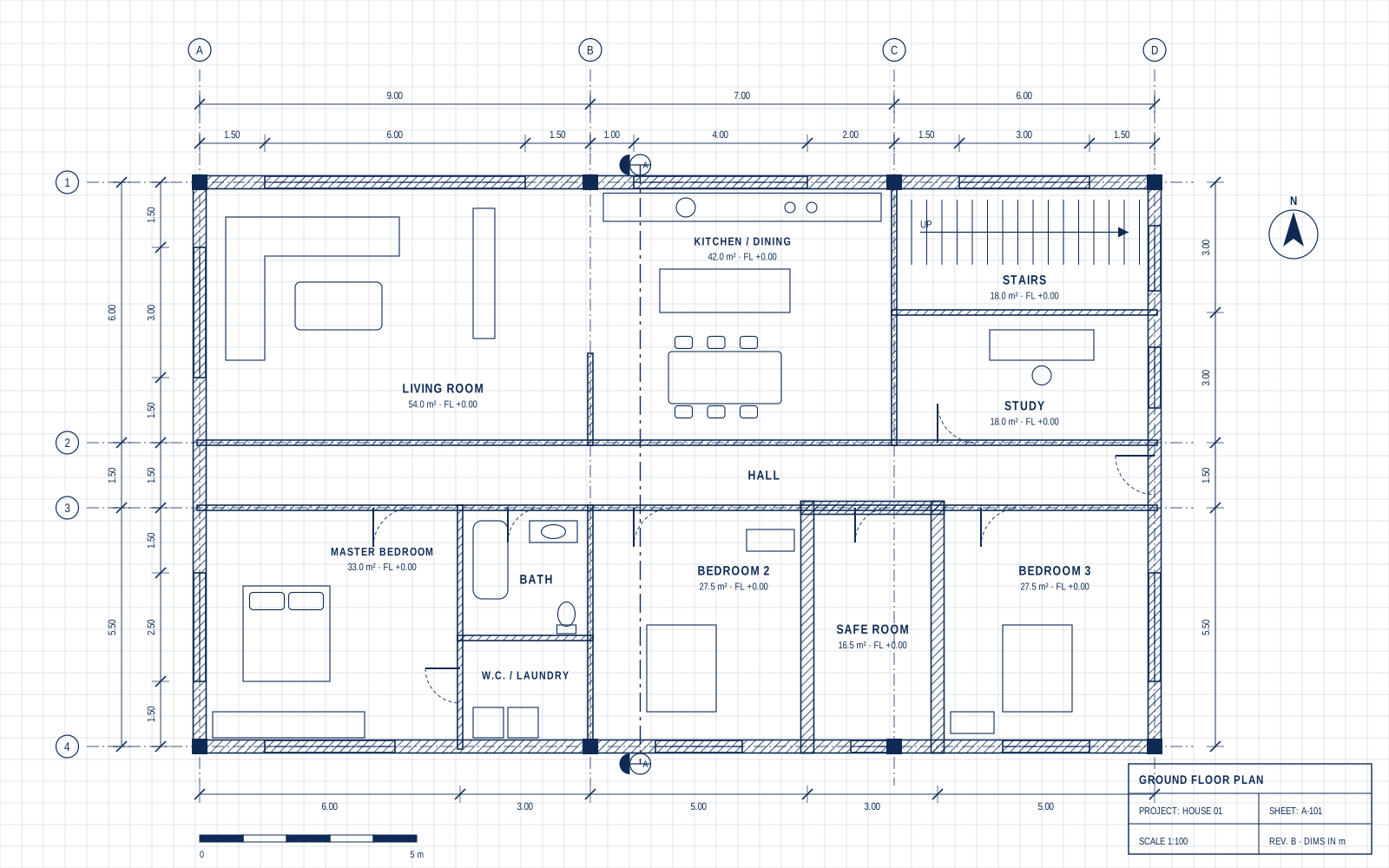

The sales plan
Developer's PDFThe starting point: a black-and-white architectural sheet from the developer. Hard to picture how the home will really look.
“All your architecture and design tools, in one place…”
Less time. Less money. More fun.
From 2D drawing, through 3D model and interior design to stunning AI renderings.
5 credits A gift to try your own renderings
You sign up only when you create — one click with Google.
This is a real project on the site, step by step: a 3-room apartment that started as a developer's sales sheet and became a designed plan, a 3D model, AR and a photorealistic render with a video.
Upload the sales sheet and the site turns it into a digital plan that you change and design in the 2D editor.
The starting point: a black-and-white architectural sheet from the developer. Hard to picture how the home will really look.
Upload the sheet and the site reads the walls, openings and rooms. Then change what you like: flooring, a kitchen island, bathroom fittings and the balcony.
The plan becomes a 3D model: turn it, send it to a client in AR / VR, and take an automatic tour of the apartment.
One click turns the plan into a 3D model with walls, windows, furniture and people. Turn it, zoom in and keep designing.
Exactly what a client gets in a phone link: turn it with a finger, zoom in, go full screen, and on a phone place the home on the table in AR.
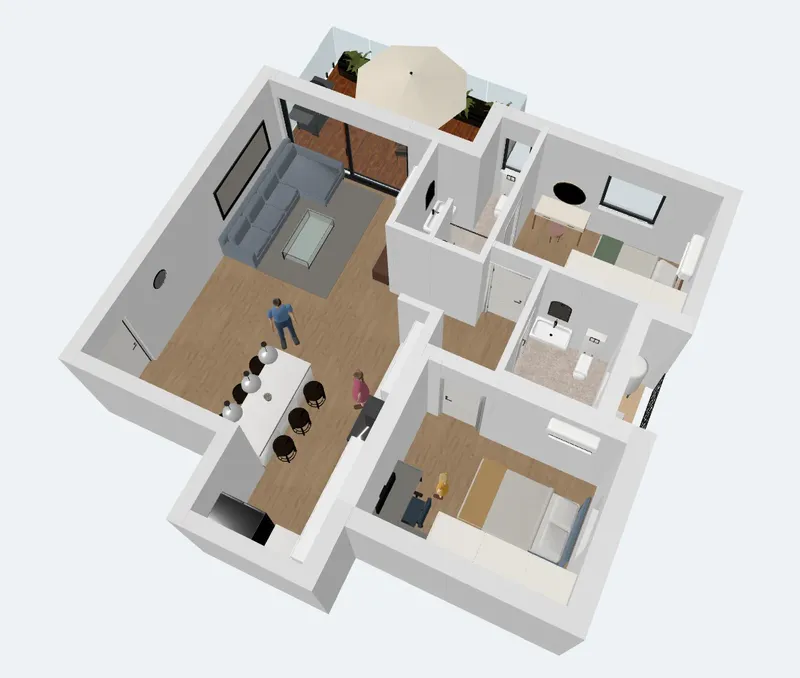
Hover over the home to watch it turn · drag to turn · pinch or scroll to zoom
A virtual tour that moves through the rooms by itself: from the balcony, through the living room and kitchen, to the bedroom.
Hover over the video to take the tour
AI Studio turns the 3D view into photorealistic renders and videos you can send to a client — a top view of the whole apartment and an interior design of the rooms.
The render becomes a short, moving video of the apartment.
Drag the curtain to see the difference between the 3D model and the AI render.
A short video inside the designed living room and kitchen, the way the client will see them.
Drag the curtain: the 3D view of the living room next to the interior design made with AI.
Drawing, 3D and AR are free · AI renders use credits
A step-by-step tour of the whole site: import or draw a plan in 2D, add electrical, plumbing and communications plans, turn it into 3D with one click, then create photorealistic AI renders and videos. With a new build, a renovation and interior design — plus what is free and when credits are used.
Narrated in English · subtitles available

Design a new home from scratch on an empty lot — exterior renderings from every angle plus architectural video.
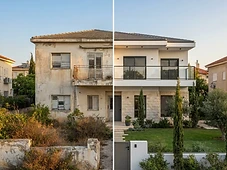
Refresh the look of an existing home — the system preserves the structure and presents upgrade options.

Design interior spaces from architectural plans — living room, kitchen, bedrooms in any style.
Join now and get free credits to experiment. Create your first rendering within minutes.
Presenting vision to clients
Create photorealistic renderings for any project in minutes, present multiple variations to clients and get faster approvals. Save precious hours on manual rendering and focus on design.
Design spaces quickly
Design interior spaces in any style and budget — from living room to bedroom. Upload an architectural plan, choose materials and style, and get stunning renderings that help clients connect with the finished space.
Your home — in your eyes
Want to see how your home will look before construction or renovation? Upload photos of the lot or house, describe your dream — and get a professional rendering that helps you make decisions and convey the vision to your contractor.
Start free with trial credits, and upgrade anytime. No commitment — cancel whenever you want.
Every new user gets 5 free credits to create their first rendering — no payment and no commitment.
No monthly commitment — purchase credits as needed
B3 – ArchHomeAI: architectural visualization and house planning with AI.
We use cookies to run the site and analyze traffic. Learn more in our Privacy Policy.
