AI Architectural Rendering from a Photo or Plan
From a photo or a plan to a realistic render
Upload a photo of a house, an empty plot or a room, or a floor plan, describe what you want and get architectural renderings, edits and videos.
Examples from the system
Real before and after results made in the AI Studio.
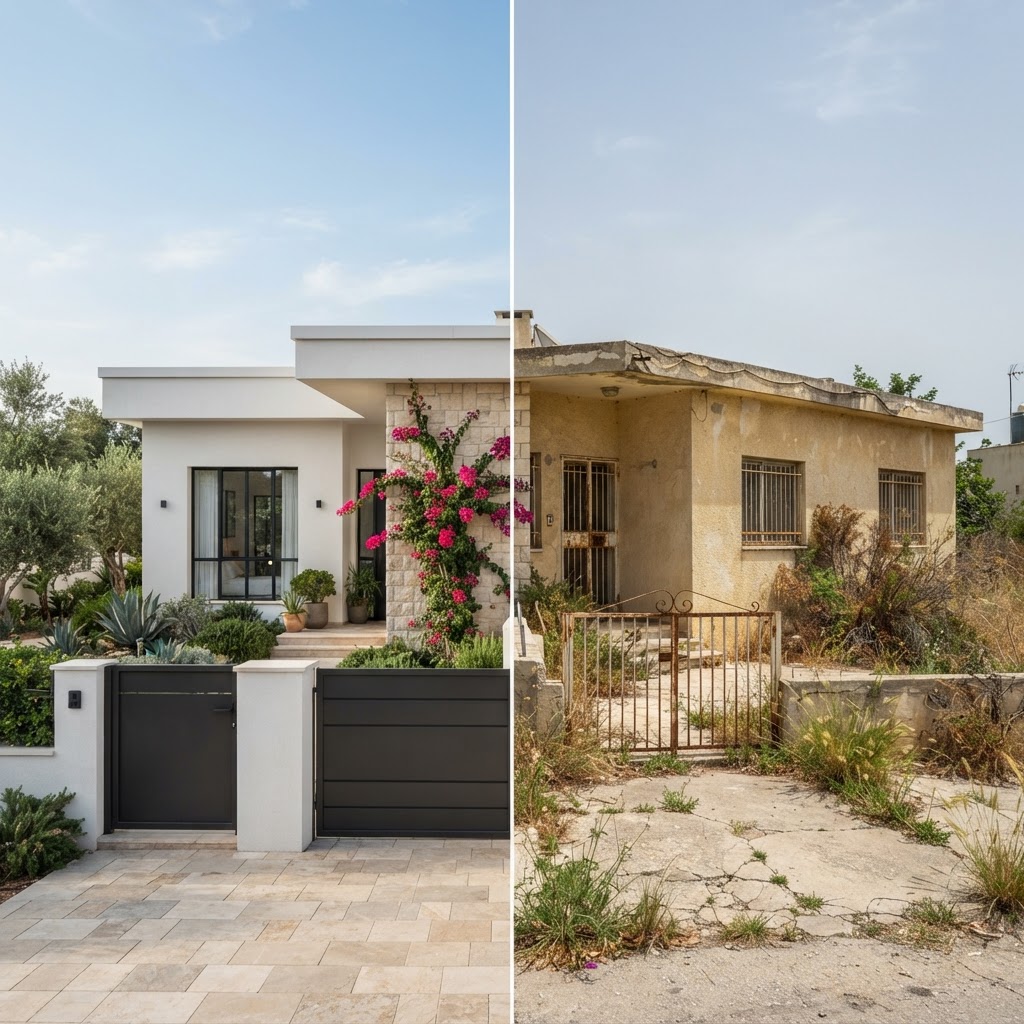
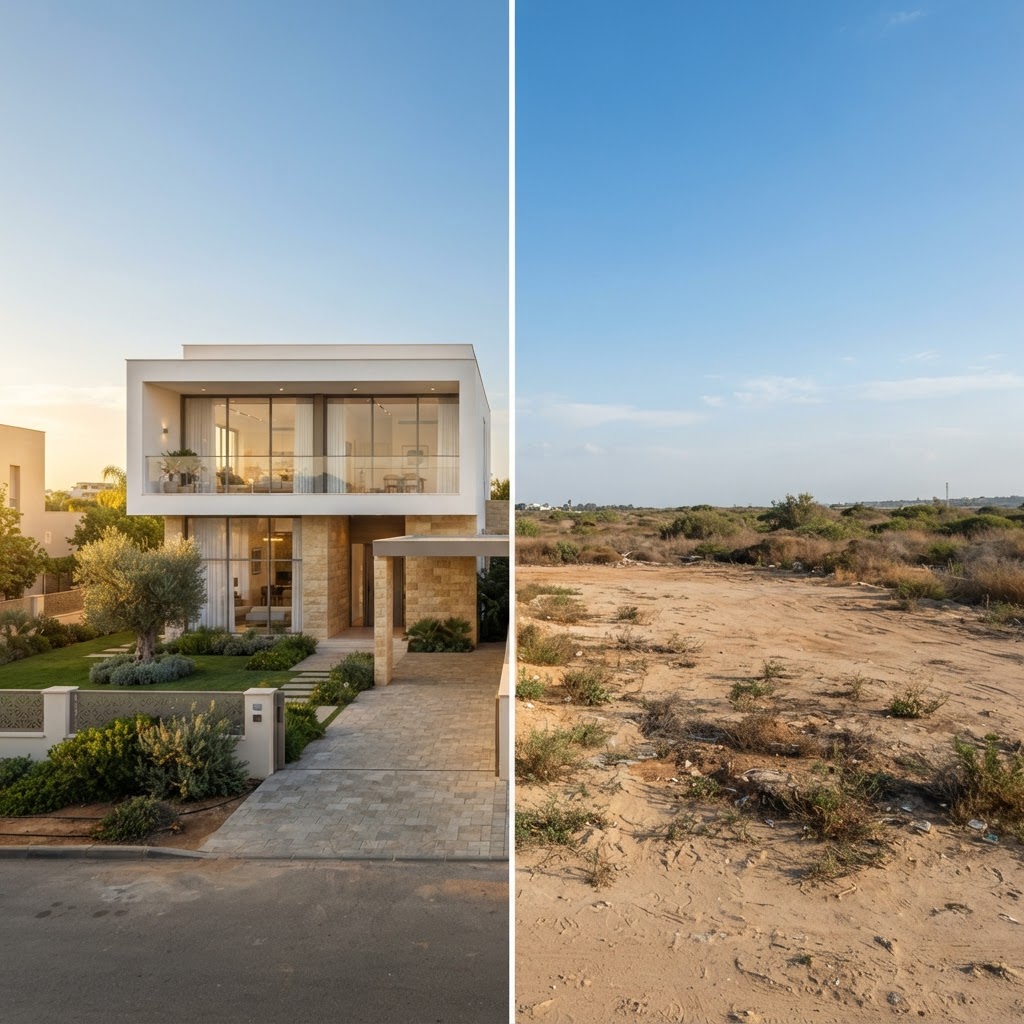
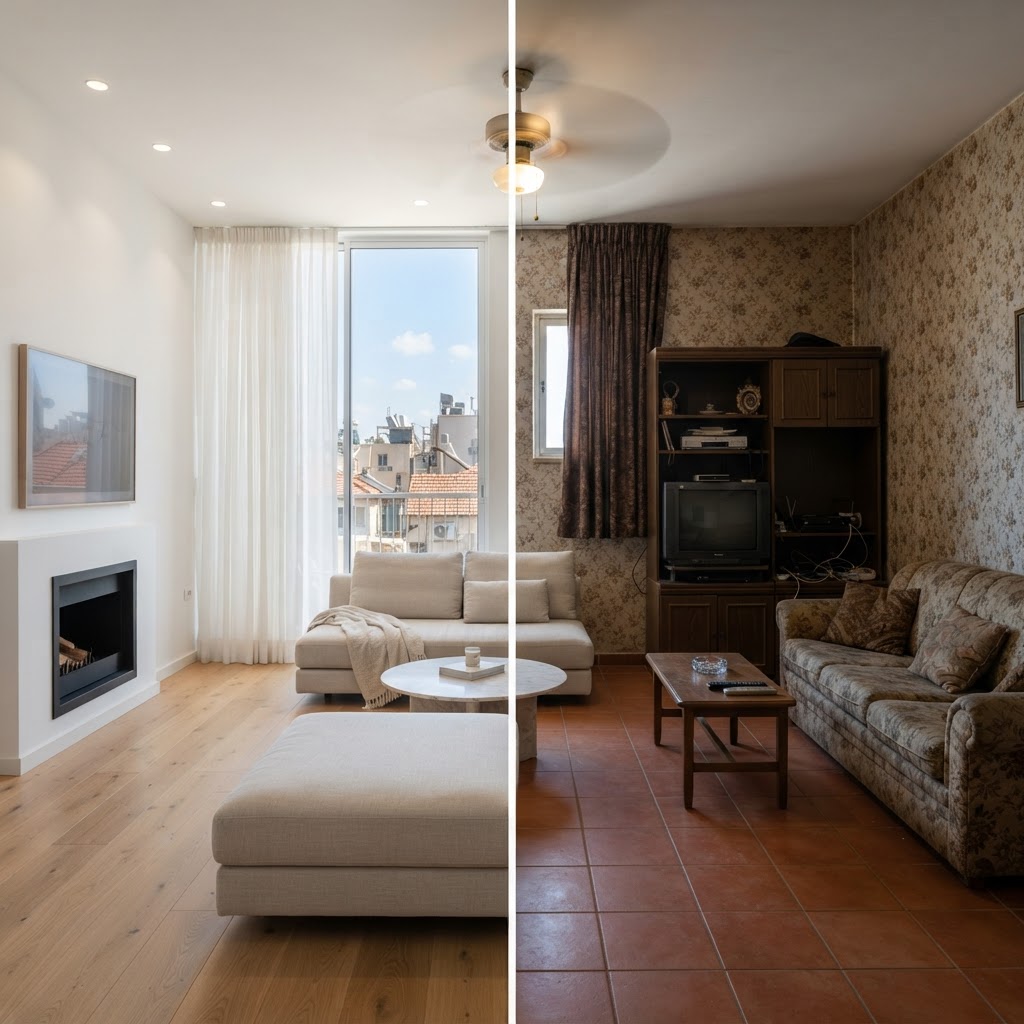
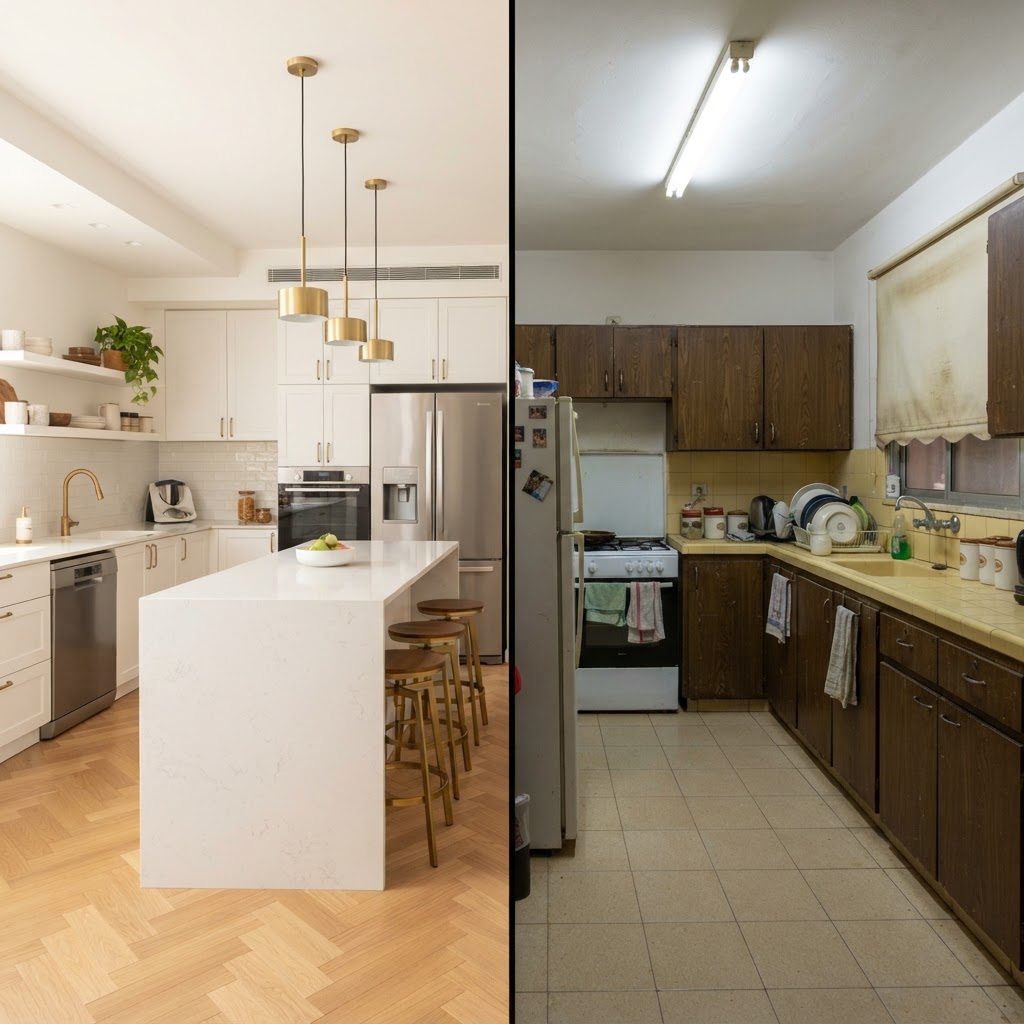
What do you start from?
- Renovate an existing house: A photo of the house becomes a new facade, colours, roof and garden.
- Build on an empty plot: A photo of the plot becomes a new house that fits it.
- Redesign a room: A photo of a room gets a new style, or an empty room gets furnished.
- Render from a plan: A floor plan or a drawing becomes a render that follows it.
- Full package: Four exterior views, an interior view, two videos and a floor plan in one order.
How it works
- Upload: A photo of the house, plot or room, a floor plan, or just a description.
- Choose the style: Style, materials, time of day, engine and resolution.
- Generate: Get the render and keep every version in the project.
- Edit and share: Quick edits, 4K, video, version comparison and a share link for your client.
What is included
- Renovation from a photo: Keeps the shape of the house and the camera angle and changes the facade, colours, roof and landscaping.
- New build on a plot: Places a new house on a photo of an empty plot.
- Interior redesign: Restyles a room photo while the walls, windows and camera stay where they are.
- Virtual staging: Furnishes an empty room for a sale or rental listing.
- Render from a plan: Reads a floor plan or an architectural PDF and matches the render to it.
- Text to image: No photo? Describe the house or the room and get a render.
- Edits and quick edits: Change one area, swap materials, or change the time of day, the season or the sky, or add people and plants.
- 4K upscale: Sharpen a chosen render to 4K for print.
- Video: Turns a render into a short cinematic video.
- Full package: Exterior views from every side, an interior view, videos and a floor plan in one order.
- Versions and comparison: Every result is kept. Compare two versions with a slider and mark your favourites.
- Share with a client: A private link where your client sees the results.
Your credit balance is always shown at the top of the site, and a render that fails is refunded automatically.
Questions and answers
How much does a render cost?
AI actions use credits from your balance, which is always shown at the top of the site. New accounts get 5 free credits, and more are available in packages or a monthly plan.
Will the render keep my house as it is?
In renovation and interior modes the AI is instructed to keep the shape of the building, its openings and the camera angle. Details can still differ, so you can edit one area or generate another version.
Can I render from a floor plan?
Yes. Upload a plan image or PDF, and the studio reads it and matches the render to the floors, rooms and areas. A plan from the 2D editor can be sent straight to the studio.
What kind of photo works best?
A sharp, well-lit photo taken straight on, with the whole house or room in the frame. Avoid strong wide-angle distortion and people or cars in front of the building.
Can I make a video?
Yes. Turn a chosen render into a short video.
What happens if a render fails?
The credits for a failed run are returned to your balance automatically, and you can try again.
Guides on this topic
- AI House Visualization: How It Works, What It Costs and Where It Still Fails (2026)
- How to Create a House Rendering with ArchHomeAI: From Photo to Render, Plan, 3D and Video
- Architectural Rendering in 2026: Costs, Software and AI vs Traditional
- AI Room Design from a Photo: Virtual Staging, Makeovers and One-Change Edits
- AI Landscape Design: Planning Your Garden, Facade and Pool With AI Renders
- AI Rendering Tools for Houses: The Four Types, What Each Is Good For, and How to Choose
- AI Tools for Architects: A Practical Workflow from Concept to Client Approval
More tools in ArchHomeAI
- 2D floor plan creator: Draw floor plans to scale, import existing plans and export sheets.
- 3D home design: Turn a plan into a 3D model, furnish it, walk through it and view it in AR.
- Interior design: Design any room, at home or at work.