

3D home design online means building a three-dimensional model of a house in your browser, usually from a floor plan, then furnishing it, walking through it and exporting panoramas or photoreal renders. It costs from nothing to a few hundred dollars a year in software, against $1,500 to $2,500 per space for a studio-made 360° tour.
Key takeaways
- A 3D model checks heights, sightlines and how rooms connect, which a 2D plan and a single AI image cannot show.
- Studios charge about $1,500 to $2,500 per space for 360° panoramas and $3,000 to $5,000 per minute for a functional walkthrough (VizCloud, 2026).
- Consumer 3D tools range from free (Sweet Home 3D, Homestyler Basic) to $399.99 a year for Planner 5D Professional, as listed in October 2026.
- In NAR's 2025 buyer survey, 38% of online searchers rated virtual tours very useful, compared with 57% for floor plans.
- glTF, an ISO/IEC standard since 2022, is the safest format for sharing a 3D home model with other software.
What is 3D home design online?
3D home design online is the process of modelling a house in a browser-based tool so you can see it from any angle before it is built. You draw or import the plan, the tool raises the walls, and you add openings, materials and furniture. The result is a model you can walk through, photograph and share.
The value is in the third dimension itself. A flat plan tells you a living room is 5 × 6 m; a model shows whether the kitchen island blocks the view to the garden and whether a 2.5 m ceiling feels low under a dark timber finish. Our 2D house plan guide covers the drawing stage that usually comes first.
- 3D model: the house as geometry you can orbit, cut and measure.
- Walk-through: moving through the model at eye height, room by room.
- 360° panorama: one viewpoint you can look around in, easy to share on a phone.
- Photoreal render: a still image with realistic light and materials.
- Export: the model as a file (glTF, OBJ) for other software.
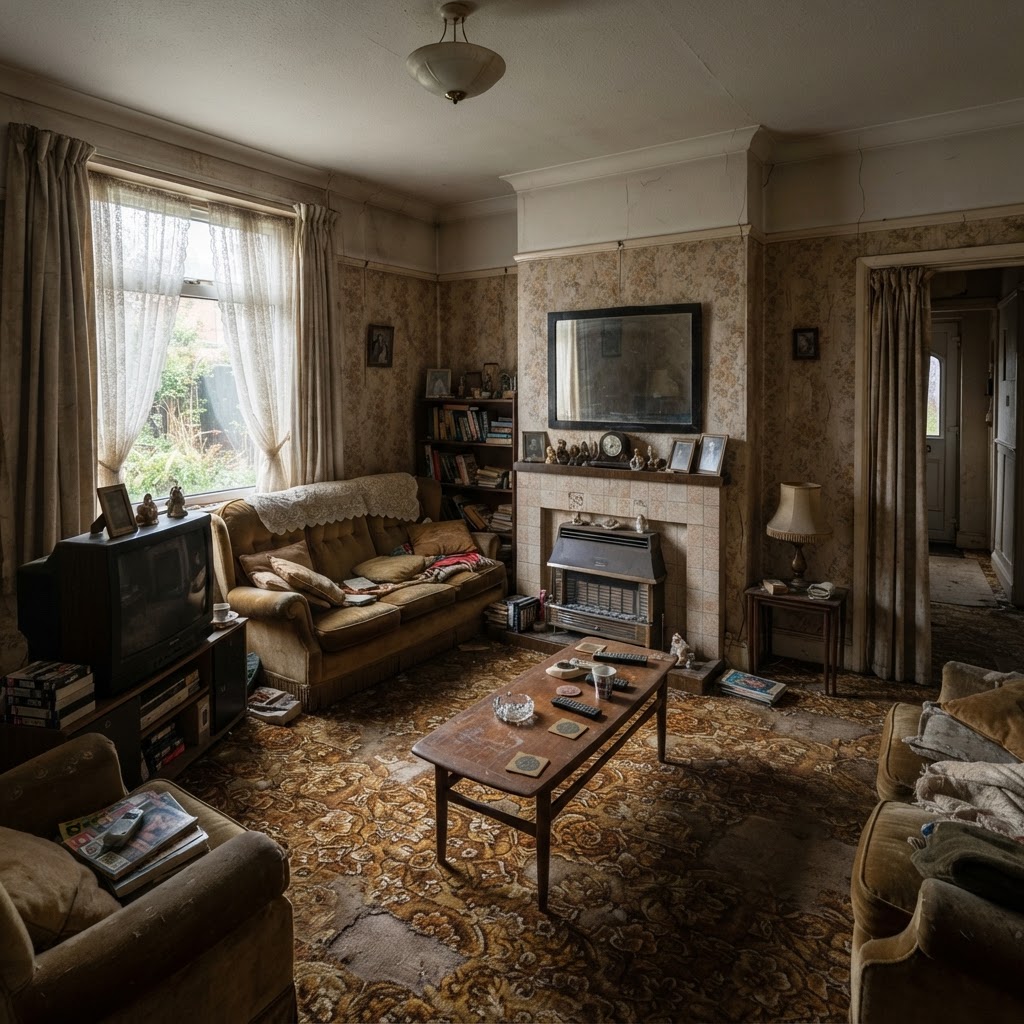
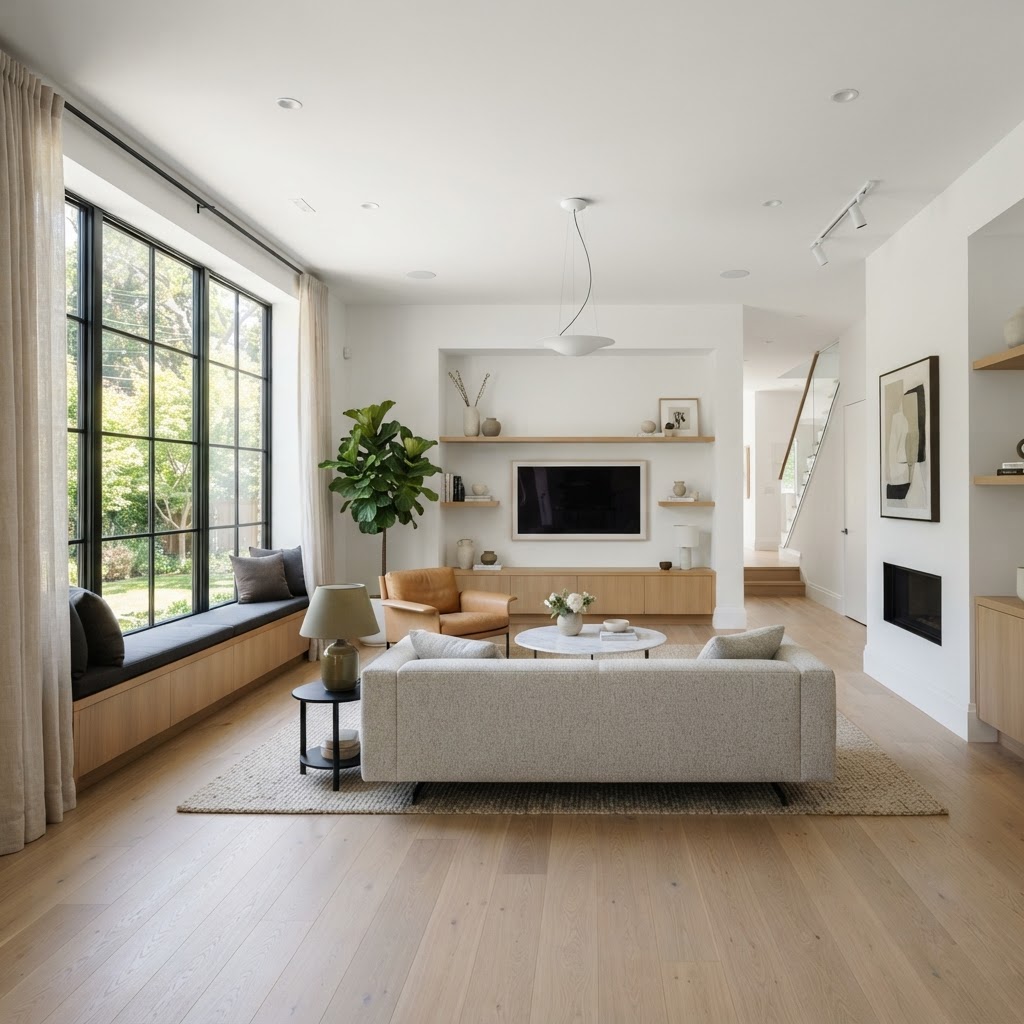
3D model, walk-through, 360° panorama or render: what's the difference?
They are four ways of looking at the same model, each suited to a different decision. The model is for designing, the walk-through for checking flow, the panorama for sharing one space, and the render for selling the look. You rarely need all four for every room.
| Output | Best for | Who looks at it | Typical weakness |
|---|---|---|---|
| 3D model | Designing and checking heights, stairs, roof | You and your designer | Looks schematic without materials |
| Walk-through | Testing circulation and room sequence | Family, clients | Needs a computer or good phone to run smoothly |
| 360° panorama | Sharing one room or view on any device | Clients, buyers, partners | Fixed viewpoint; can't walk |
| Photoreal render | Choosing materials and lighting, marketing | Everyone | One angle only; takes longer to produce |

How to design a home in 3D online, step by step
Start from a plan, not from a blank 3D scene. Drawing walls in 3D is slower and less precise than in 2D, and most tools now convert a plan to a model in one step. After that, the work is setting heights, adding materials and testing the space.
- Bring in the plan Draw it in a 2D editor or upload a plan image. In the ArchHomeAI 3D planner, converting an uploaded plan into a 3D model costs 3 credits, and a plan drawn in the 2D editor stays synced with the 3D scene.
- Set heights Enter floor-to-ceiling heights, slab thickness, sill and head heights for windows, and the roof form. Most errors in early 3D models are default heights nobody changed.
- Check the stairs and roof first These are the parts plans hide. Walk up the stairs at eye height and look at the roof from the street before adding any furniture.
- Apply materials and furniture Use real sizes for sofas, beds and tables. A 3D model full of undersized furniture lies as convincingly as a wide-angle photo.
- Walk through and capture panoramas Move through the house in the order a visitor would. Save 360° panoramas of the two or three spaces that matter most.
- Render and export Make photoreal renders of the key views (4 credits each on ArchHomeAI), and export glTF or OBJ if someone else will continue the model.
What does 3D home visualization cost?
Doing it yourself costs between nothing and a few hundred dollars a year in software, plus your time. Hiring a visualization studio costs hundreds to thousands per image, panorama or minute of animation. The gap is large enough that most homeowners should model at least the first version themselves.
VizCloud's 2026 pricing guide lists 3D floor plans at $600 to $1,500 per image, 360° panoramas and virtual tours at $1,500 to $2,500 per space, functional walkthroughs at $3,000 to $5,000 per minute, and VR experiences from around $15,000. Cad Crowd's guide, updated in 2024, quotes freelancers at $50 to $450 for a 3D floor plan, which shows how wide the market is.
- 3D floor plan, freelancer (Cad Crowd): $50–$450
- 3D floor plan, studio (VizCloud): $600–$1,500
- 360° panorama per space (VizCloud): $1,500–$2,500
- Walkthrough per minute (VizCloud): $3,000–$5,000
Sources: Cad Crowd (updated November 2024), VizCloud (May 2026). Prices vary by country, studio and complexity.
| Step | Credits | ≈ USD on the 100-credit pack ($11) | ≈ USD on the 500-credit pack ($42) |
|---|---|---|---|
| Uploaded plan to 3D model | 3 | $0.33 | $0.25 |
| Photoreal 3D render | 4 | $0.44 | $0.34 |
| AI render variation in the AI Studio (standard model) | 2 | $0.22 | $0.17 |
Turn your plan into a 3D house Upload a floor plan or draw one, convert it to a 3D model for 3 credits, then walk through it and capture 360° panoramas. New accounts get 5 free credits. Build my 3D model, 5 free credits
3D home design software compared: free and paid options
Free tools are good enough to test a layout in 3D; paid tiers add higher-resolution renders, panoramas, walk-through video and professional exports. Pick by output, not by feature lists. All prices below were taken from each vendor's own pricing page in October 2026.
| Tool | Price | Good at | Watch out for |
|---|---|---|---|
| Sweet Home 3D | Free, open source | Plan plus instant 3D view; desktop and browser | Dated look; limited photoreal quality |
| Homestyler | Basic free; paid from $6.80/month | Unlimited 1K renders free; panoramas on paid plans | 4K renders and walk-through video need a paid plan or coins |
| Planner 5D | Free; Premium $59.99/yr; Professional $399.99/yr | Huge furniture catalogue; Professional adds 360° walkthrough, panoramas and CAD export | Pro features sit in the top tier |
| SketchUp | Go $129/yr; Pro $399/yr; Studio $859/yr | Precise modelling; Studio includes V-Ray | Learning curve; rendering is extra below Studio |
| Twinmotion | Free under $1M revenue; $445 per seat/yr above | Real-time walk-throughs and video | Desktop software built for professionals; learning curve |
| ArchHomeAI 3D planner | Credits; 5 free on sign-up | Plan-to-3D conversion, 2D/3D sync, panoramas, photoreal renders, glTF/OBJ | Early design, not construction documentation |
Our take: for homeowners testing one house, Homestyler's free tier or Sweet Home 3D is a sensible start. Designers who furnish lots of rooms get the most from Planner 5D's catalogue. Architects already modelling in SketchUp or Revit are better served by a real-time engine like Twinmotion. A plan-first browser planner suits people who start with a 2D layout and want 3D, panoramas and renders without learning a modeller.

Do clients and buyers actually want 3D?
Clients deciding what to build benefit most from 3D, because it shows space in a way plans can't. Buyers browsing listings value it less than you might think: plans and photos rate higher than virtual tours. Use 3D where a decision is being made.
- 81% of online home buyers rate photos very useful (NAR, 2025)
- 57% rate floor plans very useful (NAR, 2025)
- 38% rate virtual tours very useful (NAR, 2025)
- 44% of AI-using renovating homeowners use it to understand space possibilities (Houzz, 2026)
The buyer figures come from NAR's 2025 Profile of Home Buyers and Sellers. For renovators, Houzz's September 2026 survey of 3,149 homeowners found that among those using AI, 50% compare layouts, products or finishes with it and 44% use it to understand what a space could become. Both point the same way: people want to see space and options before committing money, which is exactly what a 3D model is for.
3D file formats: glTF, OBJ and when to use each
Export glTF when you want a compact model that keeps materials and opens in web viewers, game engines and most 3D software. Export OBJ when the receiving program is older or only needs geometry. Either way, keep the original project file as your master.
The Khronos Group, which maintains glTF, calls it "the JPEG of 3D", and glTF 2.0 was published as the international standard ISO/IEC 12113:2022. OBJ is older and widely readable but carries materials in a separate file that often goes missing in email. For handing a design to an architect working in BIM, an IFC export from the 2D side is usually more useful than either.
3D model or AI render: which should you use?
Use an AI render to explore looks quickly and a 3D model to check that the chosen look actually fits. AI predicts a plausible picture; a 3D model shows exact geometry from any angle. The best workflow uses both.
AI images from the AI Studio cost a couple of credits and can show ten facade ideas in minutes, but window sizes and proportions drift between variations, as our guide to AI house visualization explains. A render from a 3D model costs more effort and stays consistent from every angle. Settle the style with AI, build it in 3D, then render the model.

Common 3D home design mistakes, and when 3D is overkill
The usual mistakes are default heights, undersized furniture and judging finishes on a screen. And for a simple room refresh, 3D is often more work than the decision deserves. A photo-based render or a plain plan may be enough.
- Leaving default heights: a model with generic ceiling and sill heights gives false confidence about light and proportions.
- Wide-angle cameras: very wide lenses make every room look bigger than it is; check views at a natural field of view.
- Trusting screen colours: materials look different on every monitor and in real daylight; get physical samples.
- Modelling everything: detail only the rooms where decisions are open.
- Skipping 3D for complex sites: sloping plots, split levels and double-height spaces are exactly where 3D pays off.
See your house in 3D before you build Convert a plan into a 3D model, walk through it, save 360° panoramas and render the key views. Start with 5 free credits. Open the 3D planner
Frequently asked questions
Can I design my house in 3D online for free?
Yes. Sweet Home 3D is free and open source, Homestyler's Basic plan includes unlimited 1K renders, and Planner 5D has a free tier with 2D and 3D design. ArchHomeAI gives 5 free credits on sign-up, enough to convert one uploaded plan into a 3D model. Free tiers usually limit render resolution, panoramas, video or exports, so check those before investing time.
How do I turn a 2D floor plan into a 3D model?
Upload the plan image or draw it in a 2D editor, then let the tool raise the walls. On ArchHomeAI, converting an uploaded plan into a 3D model costs 3 credits, and a plan drawn in the 2D editor stays synced with the 3D scene. Then set real ceiling, sill and roof heights, because default values are the most common source of errors.
How much does a 3D walkthrough of a house cost?
Studio pricing is high. VizCloud's 2026 guide lists functional walkthroughs at $3,000 to $5,000 per minute and full architectural animations at $5,000 to $10,000 per minute, while 360° panoramas cost $1,500 to $2,500 per space. Doing it yourself in a browser-based 3D planner costs a few credits or a software subscription, at lower visual polish.
What is the difference between a 3D render and a 360° panorama?
A 3D render is a single still image from one camera angle, usually with the most realistic lighting and materials. A 360° panorama is captured from one point but lets the viewer look in every direction, which suits sharing a room on a phone. Renders sell the look of a space; panoramas help people understand how it surrounds them.
Which file format should I export a 3D house model in?
glTF is usually the best choice: it is compact, keeps materials, opens in web viewers and game engines, and has been an ISO/IEC standard (12113:2022) since 2022. OBJ is older and widely supported but keeps materials in a separate file. For an architect working in BIM software, export IFC from your plan instead of a mesh format.
Can a 3D house model replace architect drawings?
No. A 3D model shows how the design looks and how spaces connect, but it does not contain structural design, insulation, drainage details or proof of code compliance. Permit and construction drawings must come from a licensed architect or engineer. A clear 3D model is still worth making, because it lets you agree the design before paying for those drawings.
Sources
How we wrote this guide: every figure comes from the sources listed at the end and was checked in September 2026. Prices vary by city, specification and year.
- 3D Architectural Rendering Cost: Pricing Guide 2026 — VizCloud
- What are Architectural 3D Visualization Costs, Service Fees & Rates for Companies — Cad Crowd
- 2025 Profile of Home Buyers and Sellers — National Association of REALTORS
- 12 Key Takeaways on AI in Home Design and Construction — Houzz
- glTF Overview — Khronos Group
- Homestyler Pricing — Homestyler
- Planner 5D Pricing — Planner 5D
- Sweet Home 3D — Sweet Home 3D
- SketchUp plans and pricing — Trimble
- Twinmotion licensing — Epic Games