
Interior design · Business & commercial
Retail Store Design Online: Plan Shelving, Displays and Checkout
A good shop guides people through the products without effort. Plan an entrance area, a clear path past the key displays and a checkout that is easy to find.
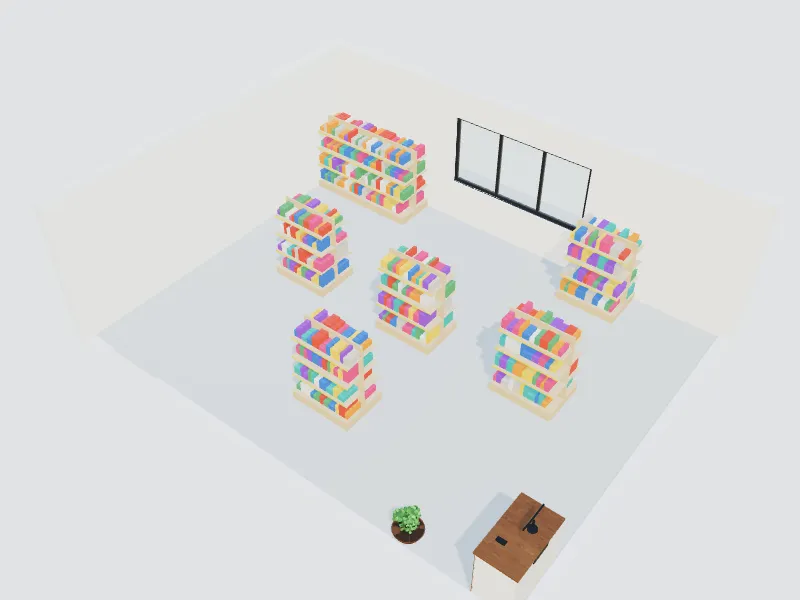
What you can do here
- Lay out gondolas, wall shelving and display tables
- Plan the checkout, fitting rooms and storage
- Create a clear customer path and focal points
- Try lighting and materials for your brand
Typical sizes and tips
- Keep main aisles about 120–150 cm (48–60 in) wide; 91 cm (36 in) is the US minimum for an accessible route.
- Leave a few metres just inside the door free of key products; shoppers need a moment to adjust.
- Mid-floor shelving around 120–150 cm (4–5 ft) high keeps sightlines across the store.
- Fitting rooms are often about 90 × 120 cm (3 × 4 ft); plan at least one larger accessible room.
- Use focused accent lighting on products and good general light at the checkout.
Common planning guidelines, not building-code requirements. Measure your room and check local rules.
Recommended styles
- Minimalist
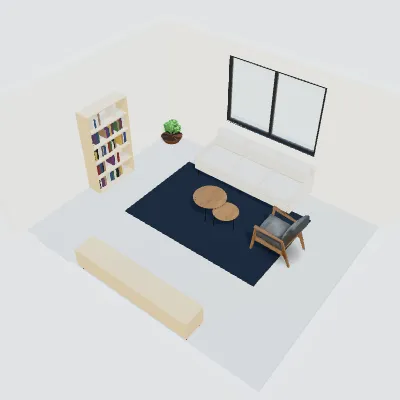
- Industrial
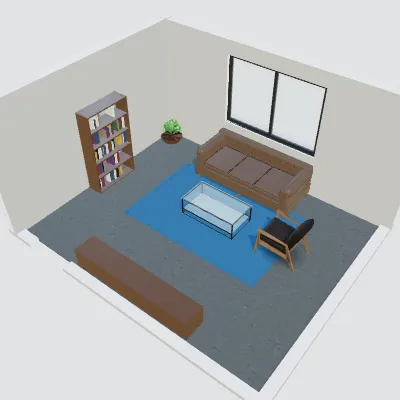
- Contemporary
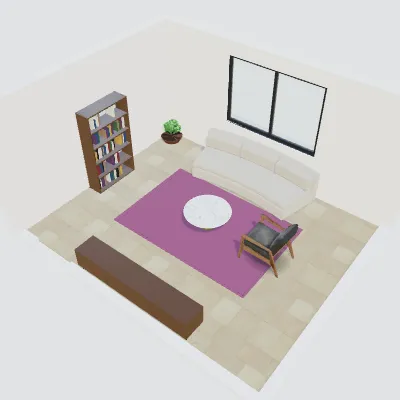
- Luxury
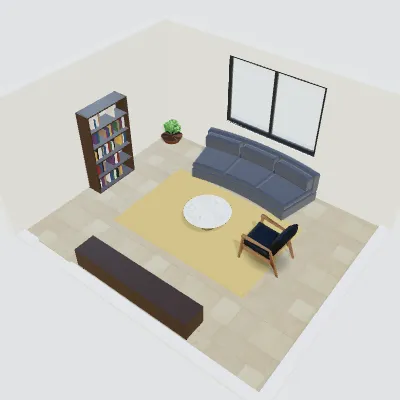
- Boho
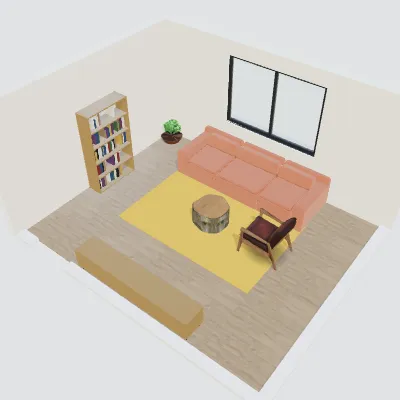
Questions about this space
Which store layout is best?
Grid layouts suit groceries and pharmacies, loop layouts guide shoppers past everything, and free-flow layouts suit fashion and boutiques. Try more than one on the plan.
How much space should storage take?
It depends on deliveries and stock; many small shops keep 15–30% for the stockroom.
Can I show the design to the landlord?
Yes. Share the plan, renders and a design board with one link.
Related spaces
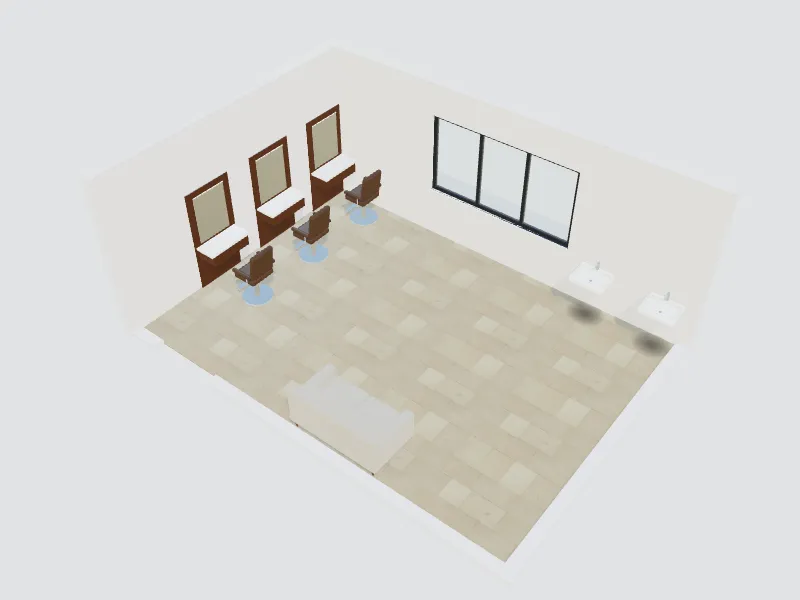
Beauty & hair salon
Styling stations, wash area, lighting and waiting space.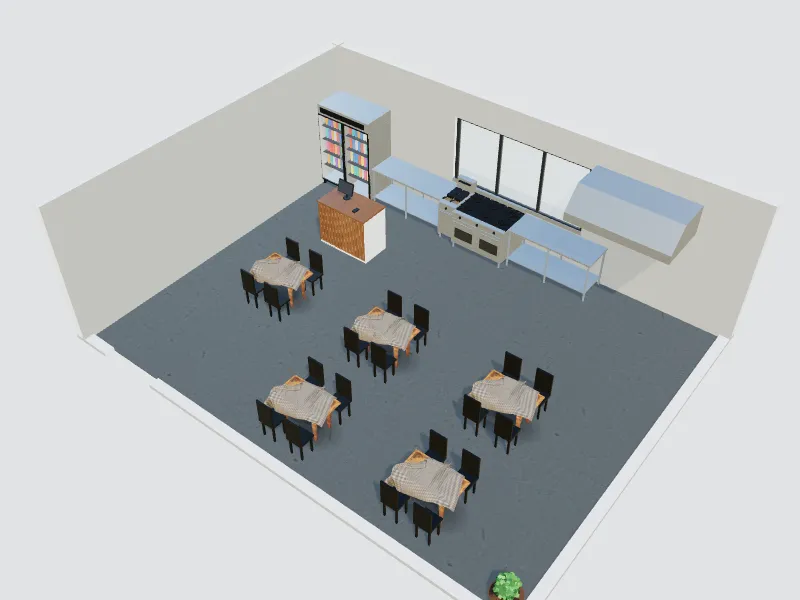
Fast-food restaurant
Counter, queue, kitchen line and fast seating for quick service.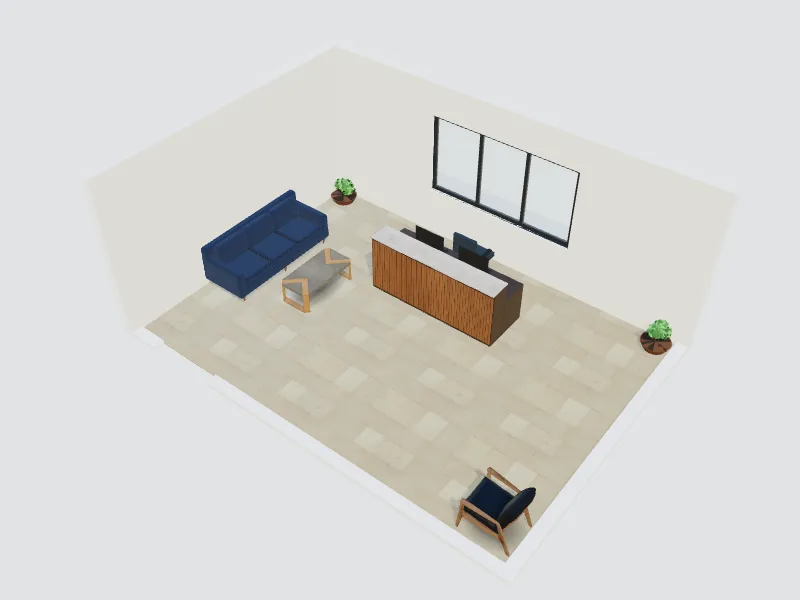
Reception & lobby
Reception desk, waiting area and a branded first impression.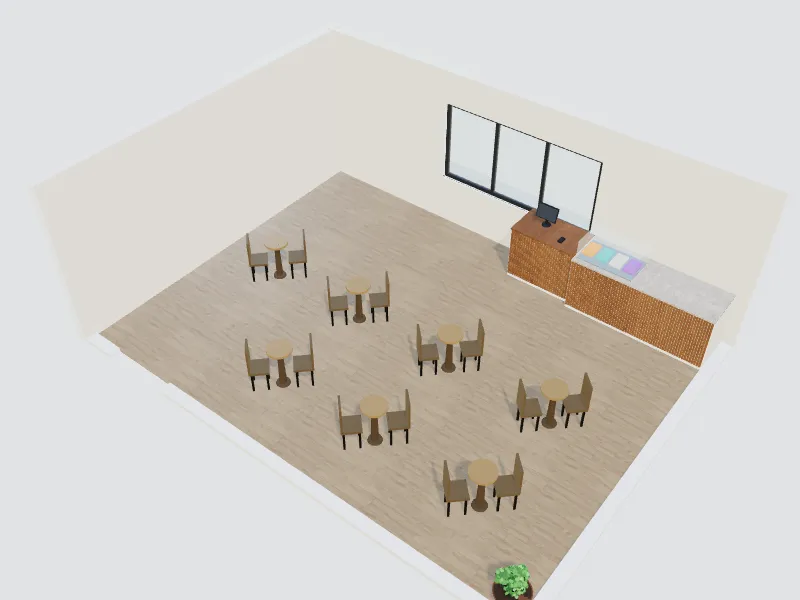
Café
Coffee bar, display, cosy seats and laptop-friendly corners.
Retail store
The room planner, templates and 3D are free. AI redesigns use credits from your balance.
Start designing your store