
Interior Design Online: AI & 3D Room Planner
Design any room, at home or at work
Choose a space, start from a photo, your dimensions or a ready template, pick a style and refine it item by item. Then share a design board.
Video tutorial: design a room in 3 minutes
Choose a space, a style and a layout, place and swap furniture, change colours, materials and light, walk through the room in 3D and get it ready for a photoreal AI render.
Narrated in English · English subtitles
Choose a space
Each space has its own tips, typical sizes, styles and templates.
Home
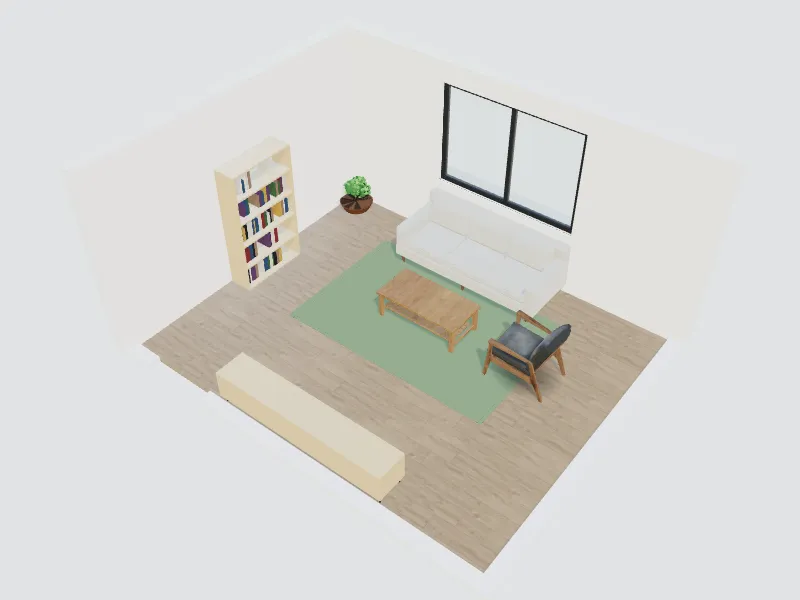
Living room
Sofa layout, TV wall, rugs and lighting for everyday living.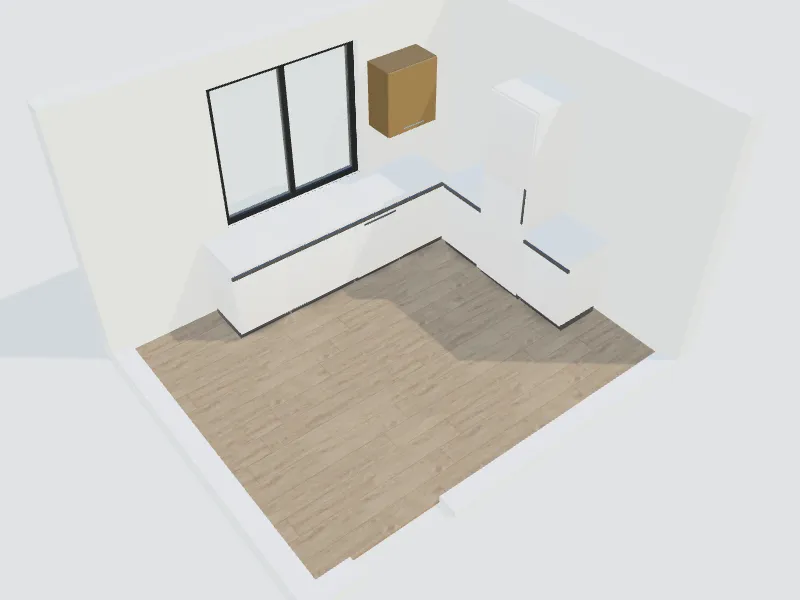
Kitchen
Cabinet runs, island, worktops and appliances that fit your room.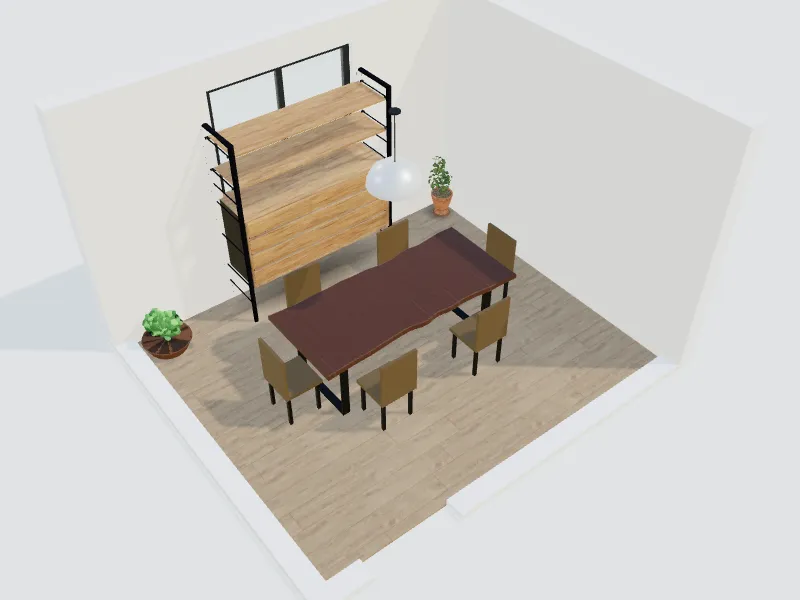
Dining room
Table size, seating clearance and a pendant at the right height.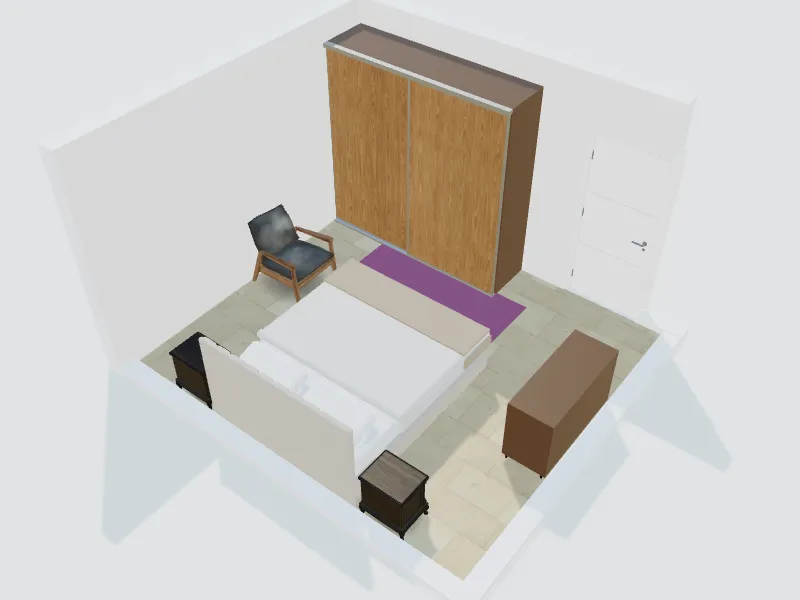
Master bedroom
Bed wall, wardrobes, bedside lighting and a calm palette.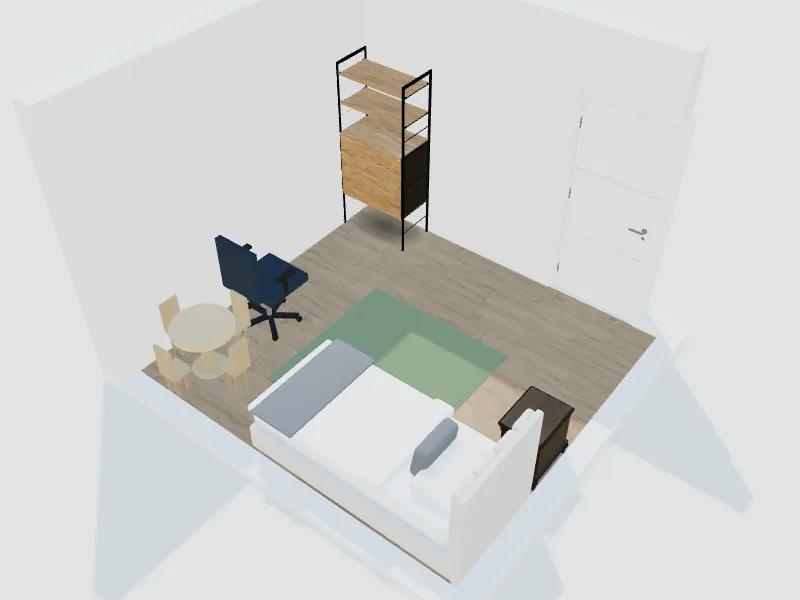
Kids' room
Sleep, study and play zones that grow with your child.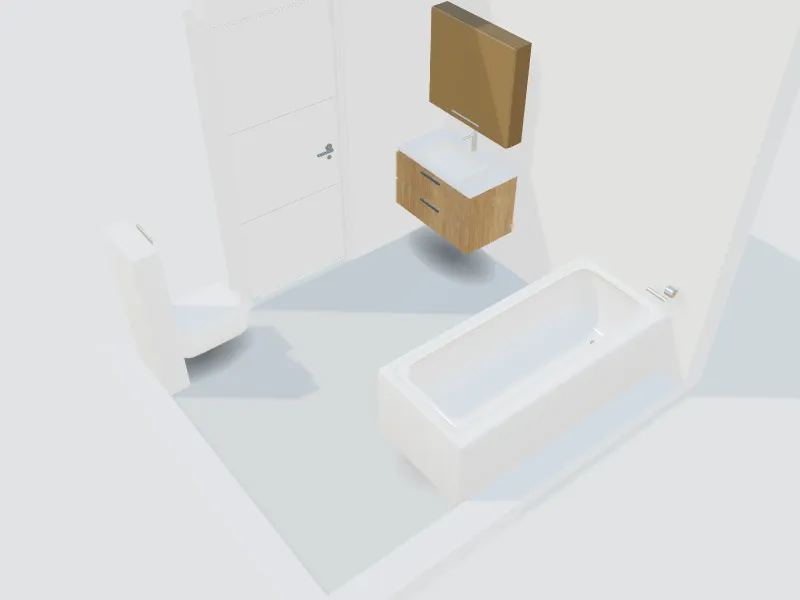
Bathroom
Shower, vanity, toilet and tiles planned with real clearances.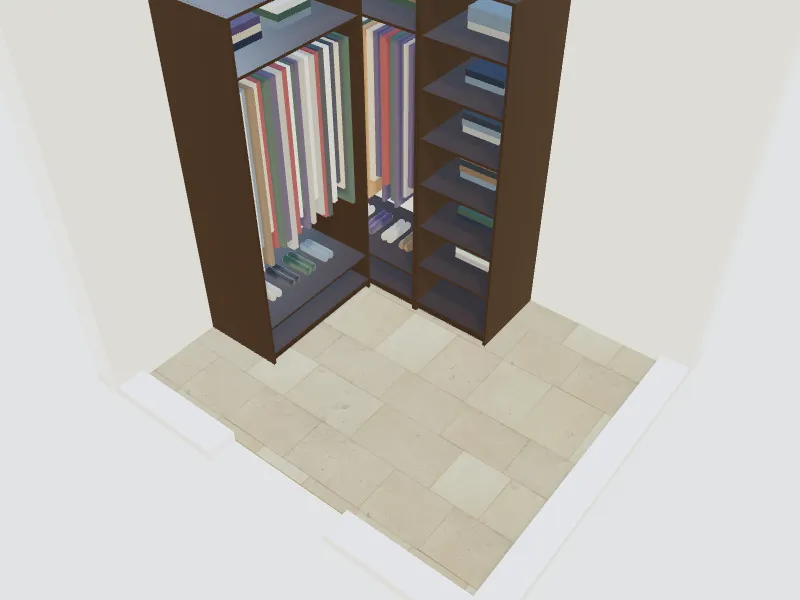
Walk-in closet
Hanging, shelves, drawers and shoes in a closet that fits your clothes.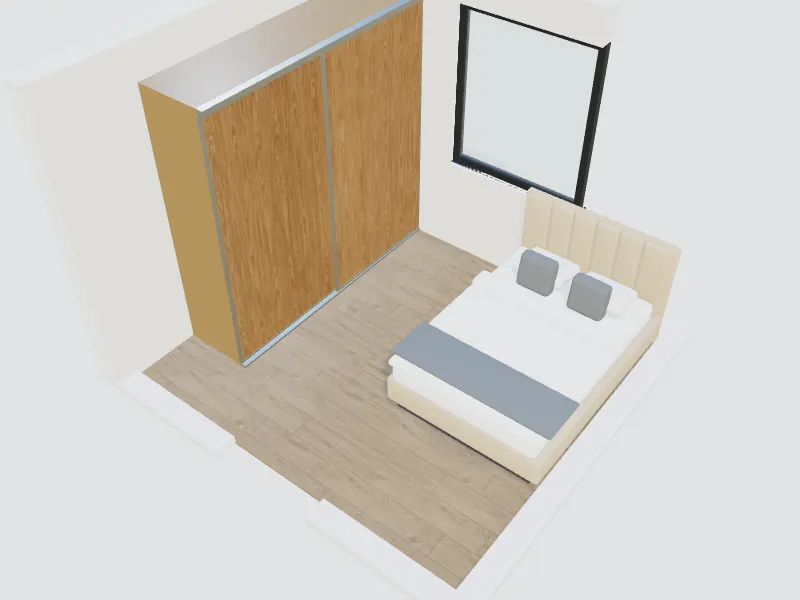
Built-in wardrobe
A wall of wardrobes with hinged or sliding doors and smart interiors.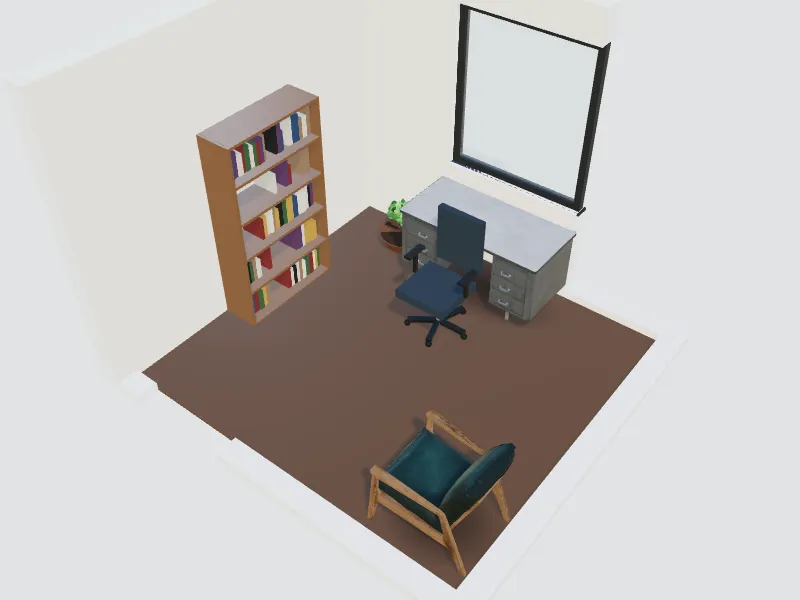
Home office
A focused workspace with good light, storage and an ergonomic desk.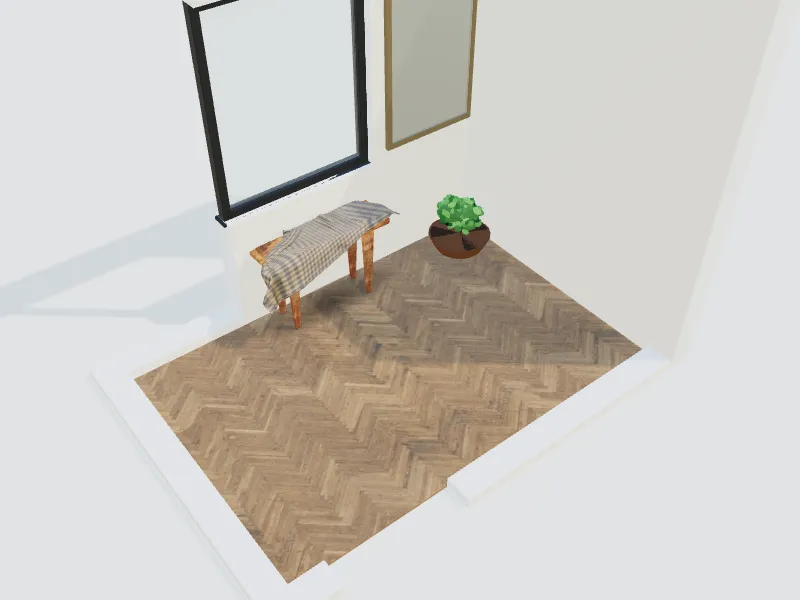
Entrance & hallway
Shoes, coats, keys and a first impression in a small footprint.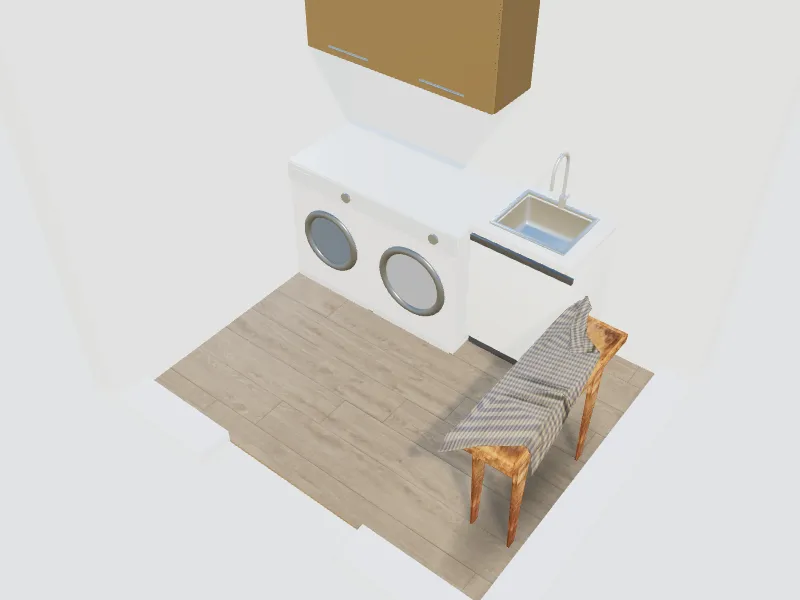
Laundry room
Washer, dryer, folding counter and storage in one efficient room.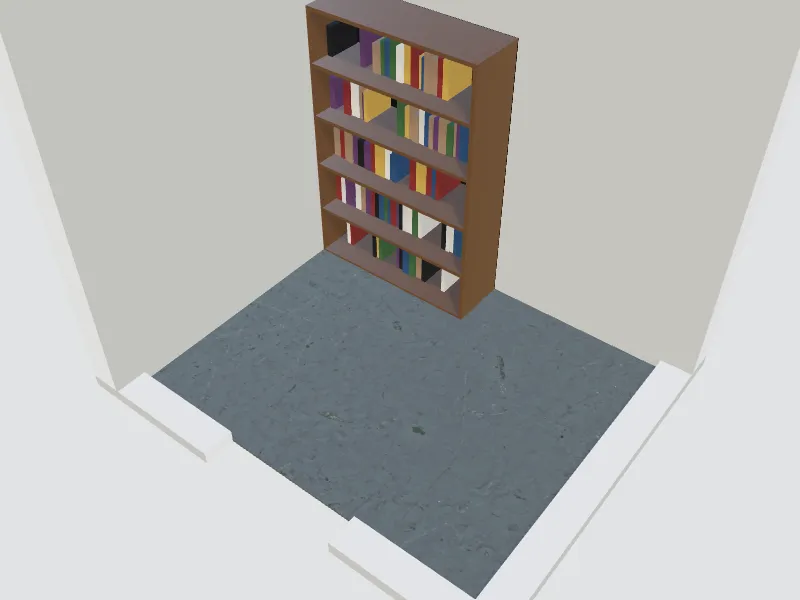
Storage room
Shelving and zones so everything has a place and is easy to reach.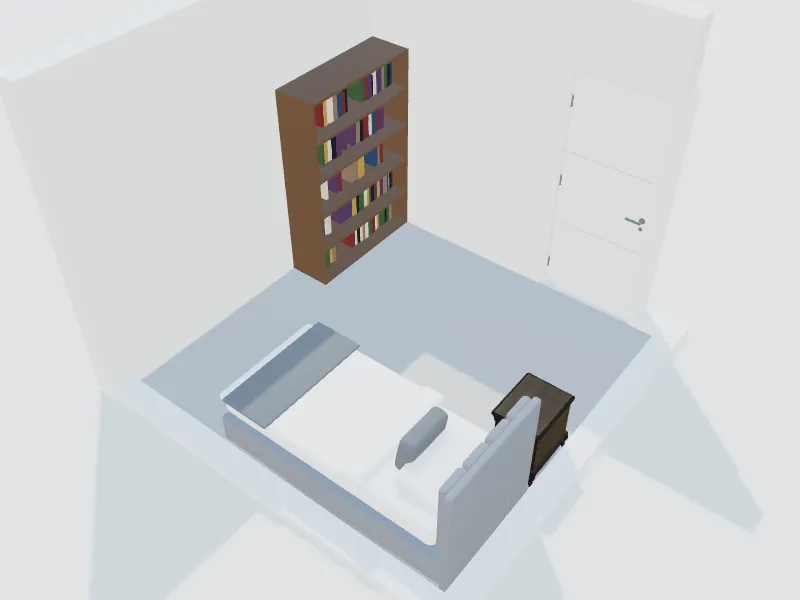
Safe room
A protected room that also works daily as a bedroom, office or den.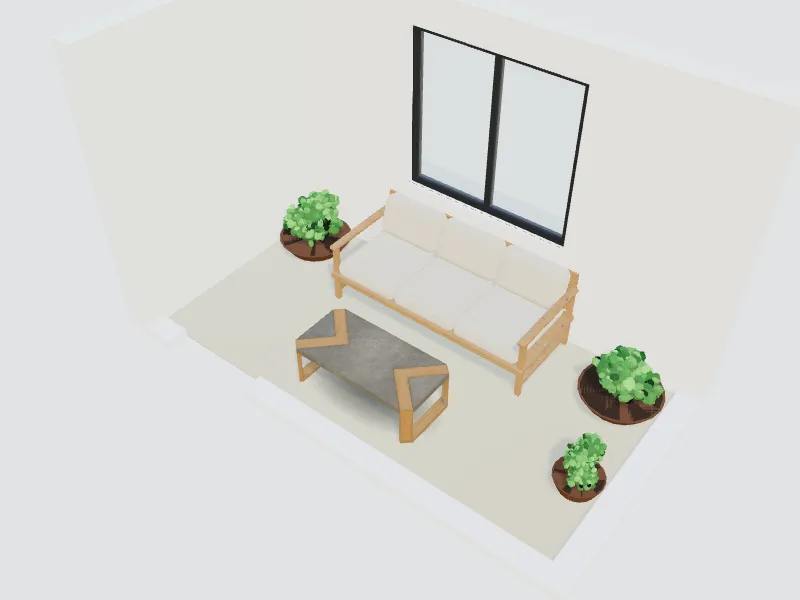
Balcony & terrace
Outdoor seating, plants and shade for a small or large balcony.
Business & commercial
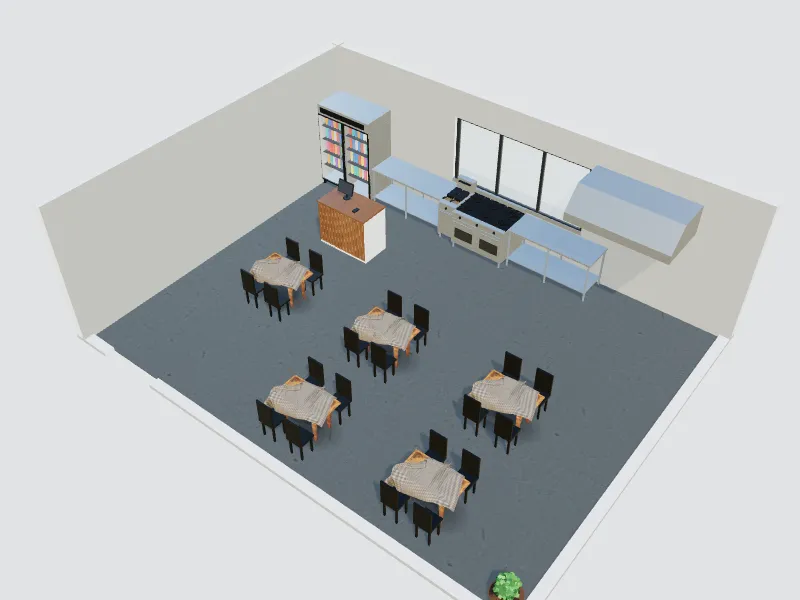
Fast-food restaurant
Counter, queue, kitchen line and fast seating for quick service.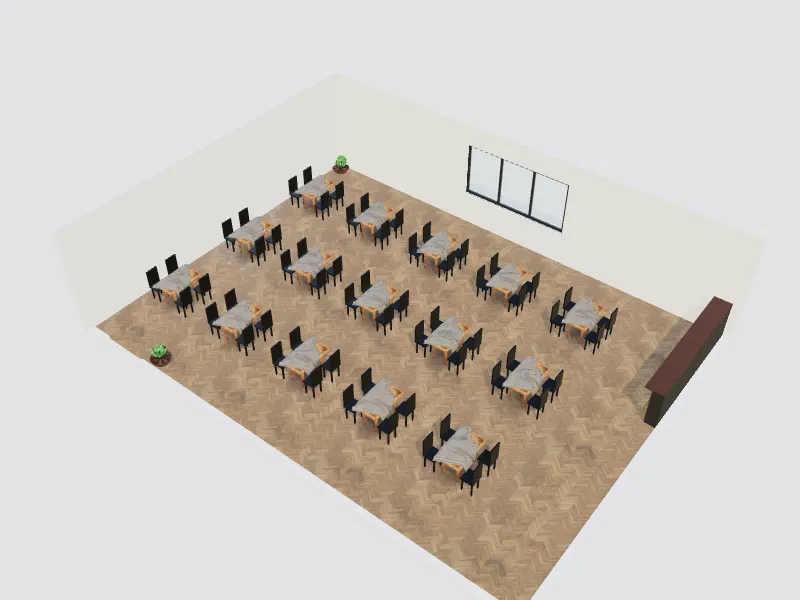
Restaurant
Dining room, seat count, service aisles and atmosphere.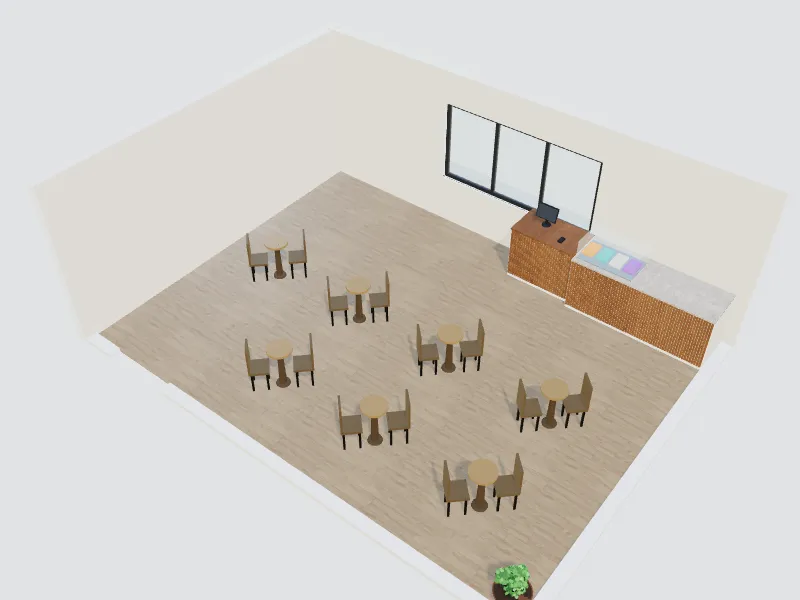
Café
Coffee bar, display, cosy seats and laptop-friendly corners.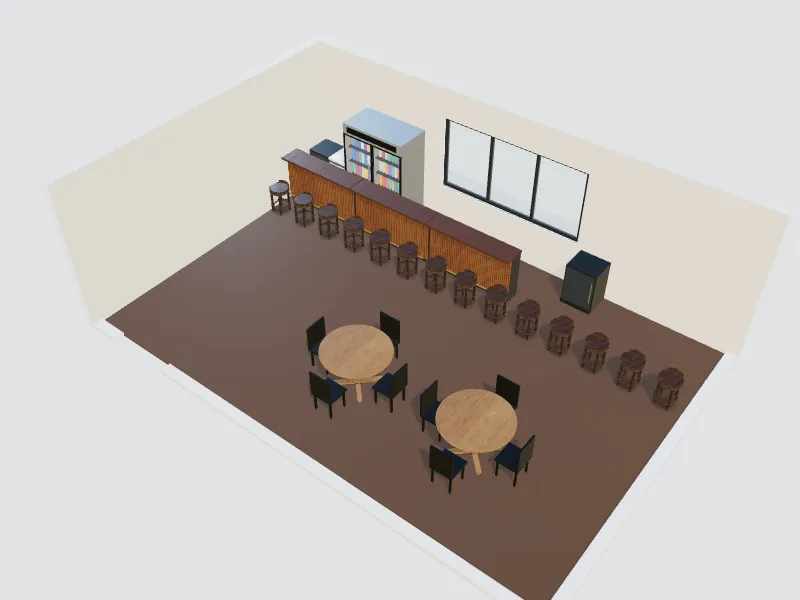
Bar
Bar counter, back bar, stools and lounge seating with mood lighting.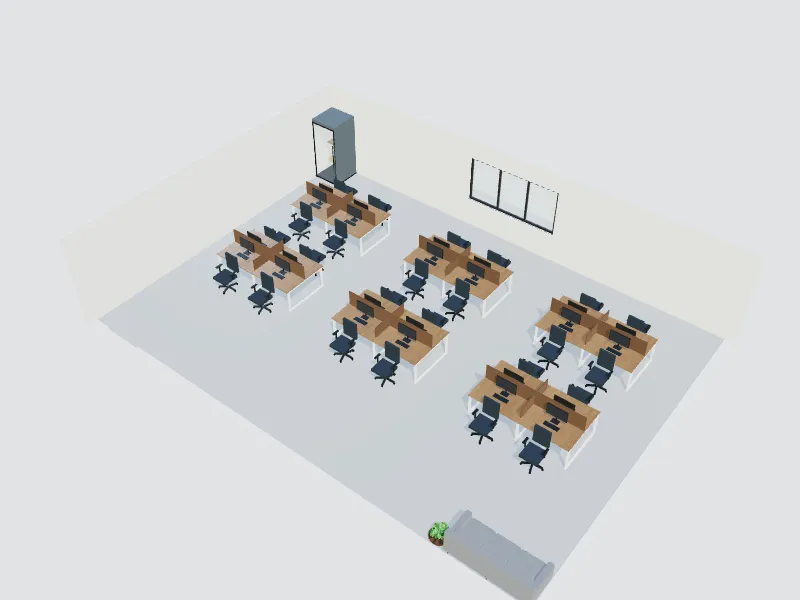
Tech office
Desks, focus pods, meeting rooms and break areas for a hybrid team.
Meeting room
Table, seats, screen and acoustics for productive meetings.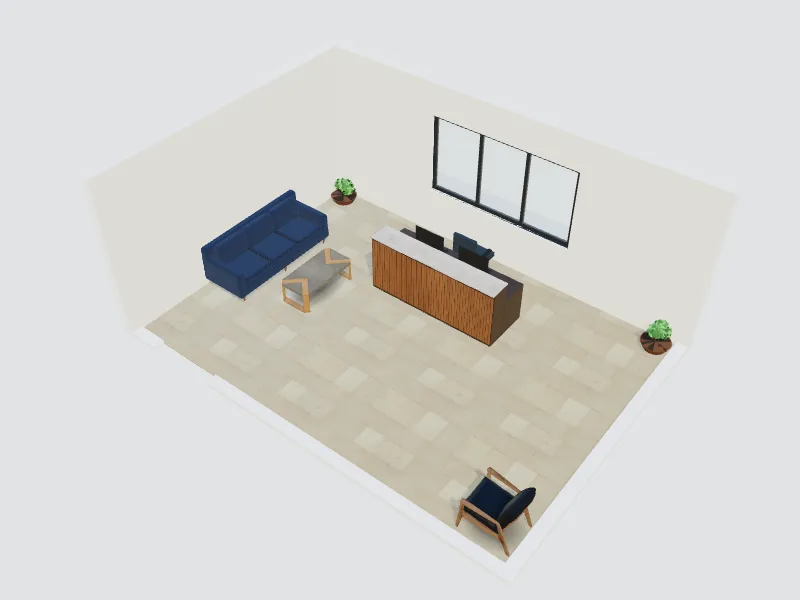
Reception & lobby
Reception desk, waiting area and a branded first impression.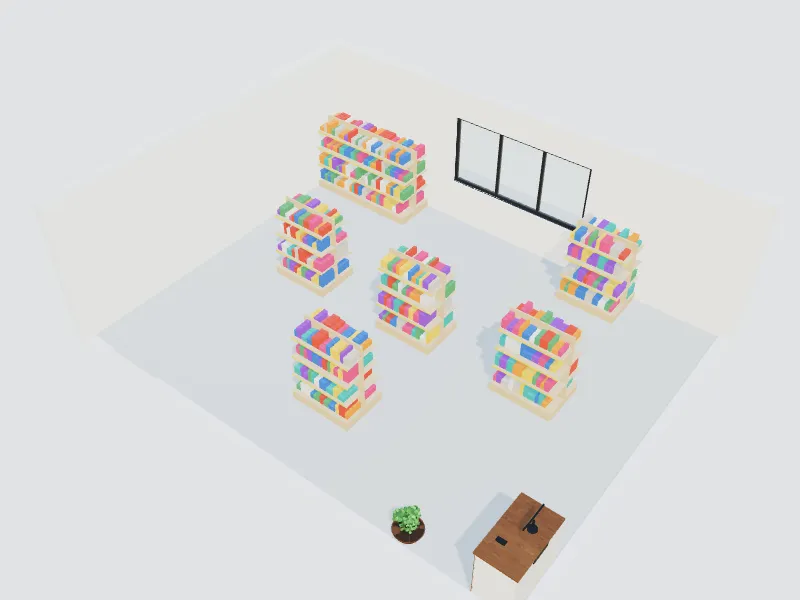
Retail store
Shelving, displays, checkout and a clear customer path.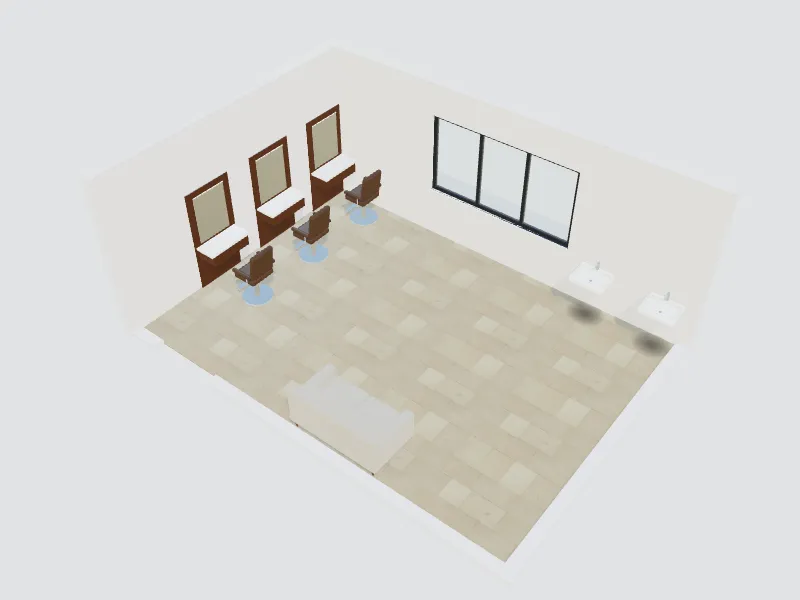
Beauty & hair salon
Styling stations, wash area, lighting and waiting space.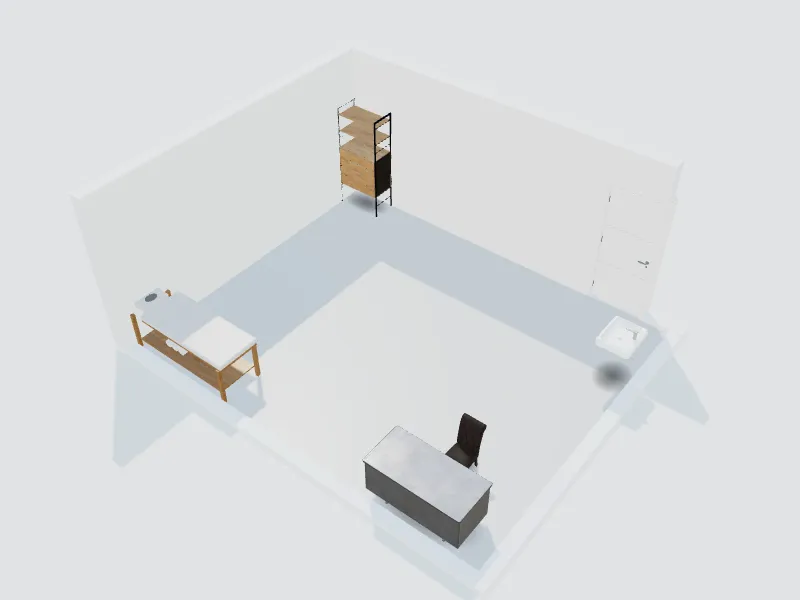
Clinic
Treatment room, waiting area and hygienic, calming finishes.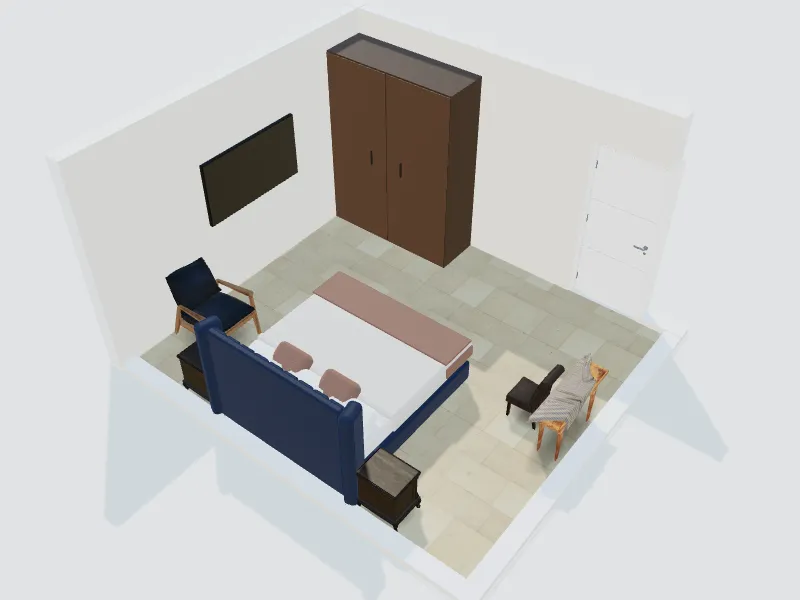
Hotel room
Bed, desk, luggage space and lighting guests can control.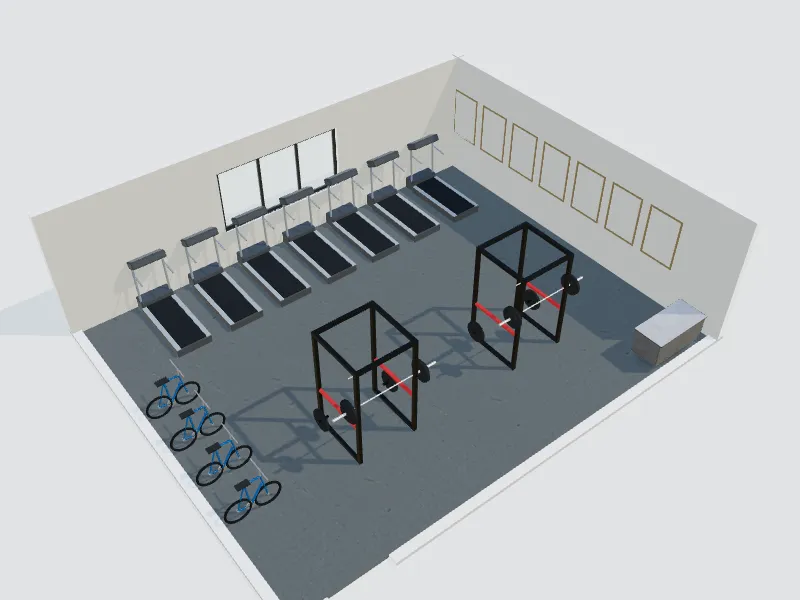
Gym & fitness studio
Cardio, weights, studio floor and safe spacing between machines.
How it works
Choose the space
Kitchen, closet, bathroom, office, restaurant: 26 spaces for homes and businesses.
Pick a starting point
A photo of the room, your dimensions, an existing project or a ready template.
Choose a style and budget
18 styles, a colour palette and an economy, standard or premium level.
Refine and deliver
Swap items one at a time while walls and windows stay put, then share renders and a design board.
Tools for the whole job
AI redesign from a photo
Upload a room photo and get new looks in your style, with the walls and windows kept.
Empty-room staging
Furnish an empty room for a sale or rental listing in a few clicks.
Room from dimensions
Enter length, width and height and get a real 2D plan and 3D room.
Ready templates
Start from finished designs made for each of the 26 spaces.
3D furniture library
Furniture and fixtures for homes, shops, offices and restaurants.
Surfaces and paint
Change wall colours, floors and materials and compare the options.
Lighting
Daylight and ready lighting moods to see the room at different times.
360° and AR
Walk through the room in 3D, look around in 360° or place it in your space with AR.
Design board and client link
Share renders, a mood board and a finishes list with one link.
The room planner, templates and 3D are free. AI redesigns use credits from your balance.
Styles to start from
Pick one in the wizard. You can change it at any time.
- Modern
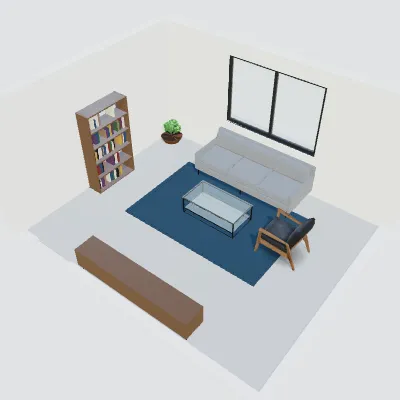
- Contemporary
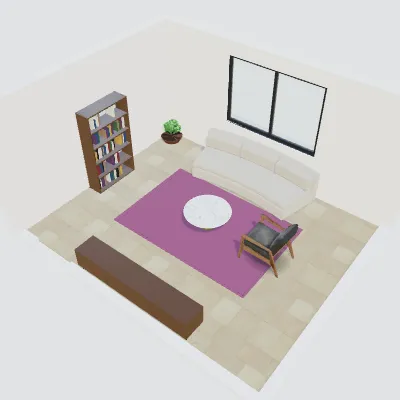
- Minimalist
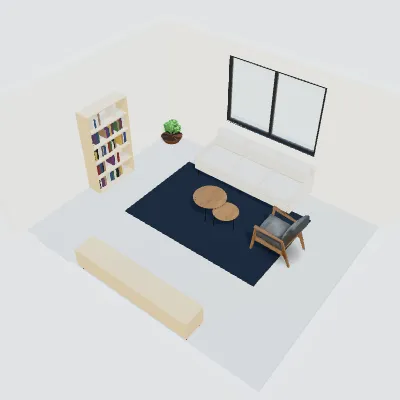
- Scandinavian
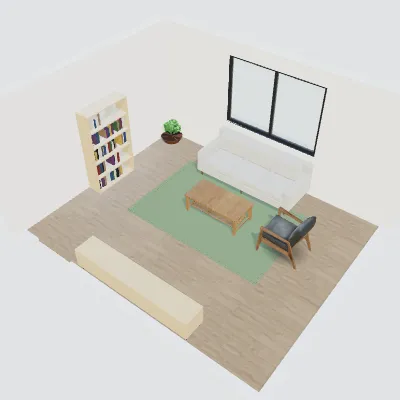
- Japandi
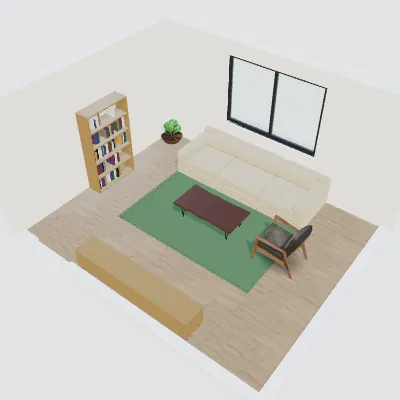
- Industrial
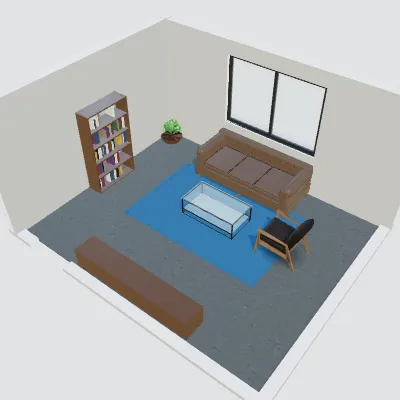
- Mediterranean
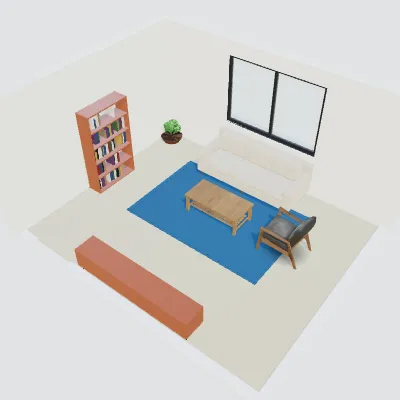
- Boho
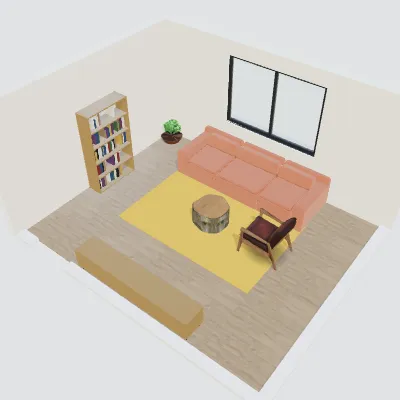
- Classic
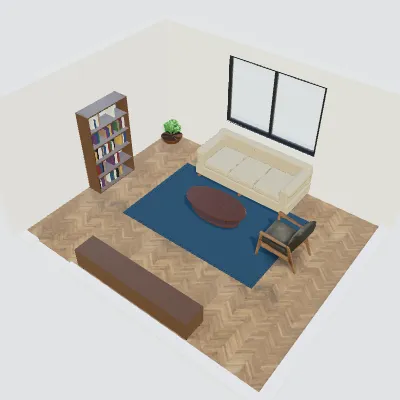
- Modern farmhouse
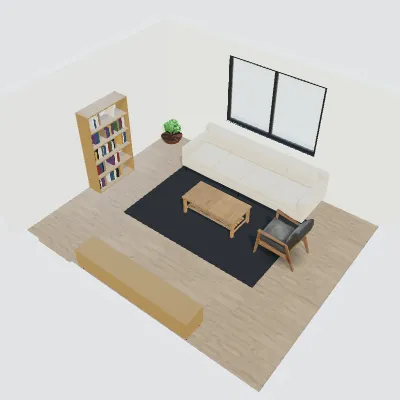
- Mid-century modern
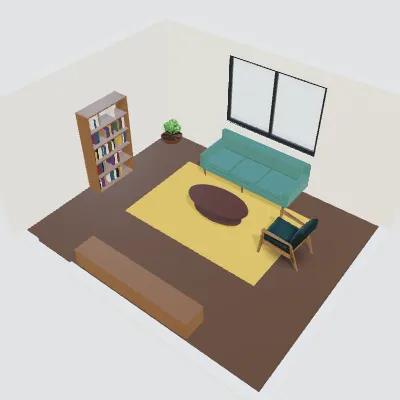
- Luxury
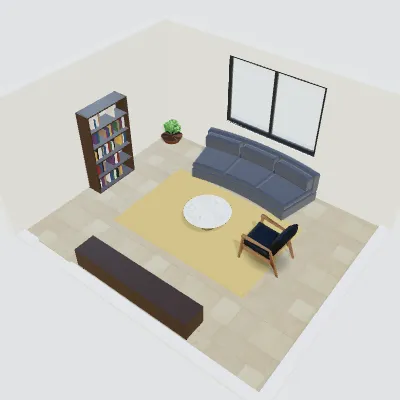
- Wabi-sabi
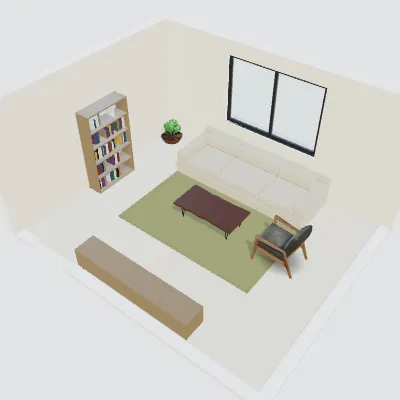
- Moroccan
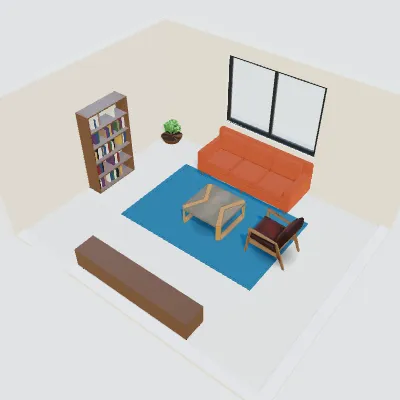
- Shaker
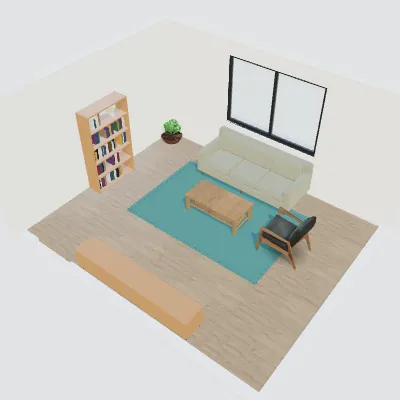
- Coastal
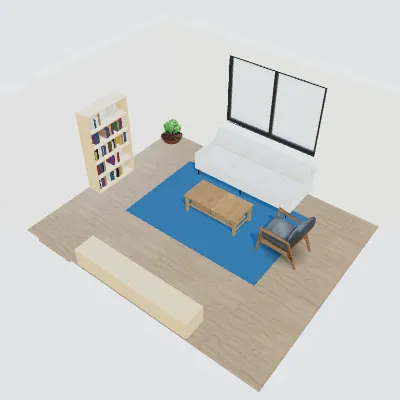
- Art deco
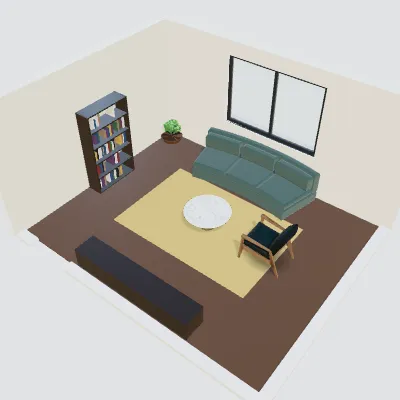
- Rustic
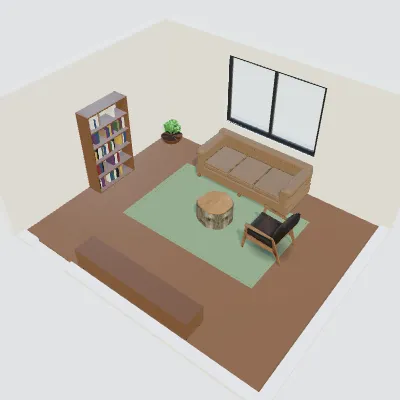
Questions and answers
Is the interior design tool free?
Planning a room in 2D and 3D, the room generator and the ready templates are free. AI redesigns of a photo and AI renders use credits from your balance, and new accounts get free starter credits.
Do I need design experience?
No. Choose the space and a style, and the wizard builds a first design with real dimensions that you change one item at a time. Professionals can open the same project in the full 2D and 3D editors.
Can I start from a photo of my room?
Yes. Upload a photo and the AI redesigns or furnishes the room in the style you choose while keeping the walls and windows where they are. For exact sizes, start from your dimensions instead.
Which spaces can I design?
26 spaces: 14 at home, from the kitchen and walk-in closet to the balcony, and 12 for business: fast food, restaurant, café, bar, tech office, meeting room, reception, shop, salon, clinic, hotel room and gym.
Do the sizes and clearances meet building codes?
They are common planning guidelines, such as the NKBA kitchen guidelines in the US and European kitchen standards, shown in metric or imperial. They are not a code check: rules differ by country, so confirm with a qualified professional before you build.
Planning guides
- How to Plan a Kitchen Layout: Layout Types, Standard Sizes and Clearances
- Walk-In Closet Dimensions and Layout: Sizes, Rod Heights and Walkways
- Small Restaurant and Fast-Food Layout Basics: Space per Seat, Zones and Flow
- Home Office and Tech Office Layout: Desk Sizes, Space per Person and Zones
- AI Interior Design: How to Redesign Any Room from a Photo (Free Guide + Prompts)
- AI Room Design from a Photo: Virtual Staging, Makeovers and One-Change Edits
“Design any room, at home or at work”
Start designing